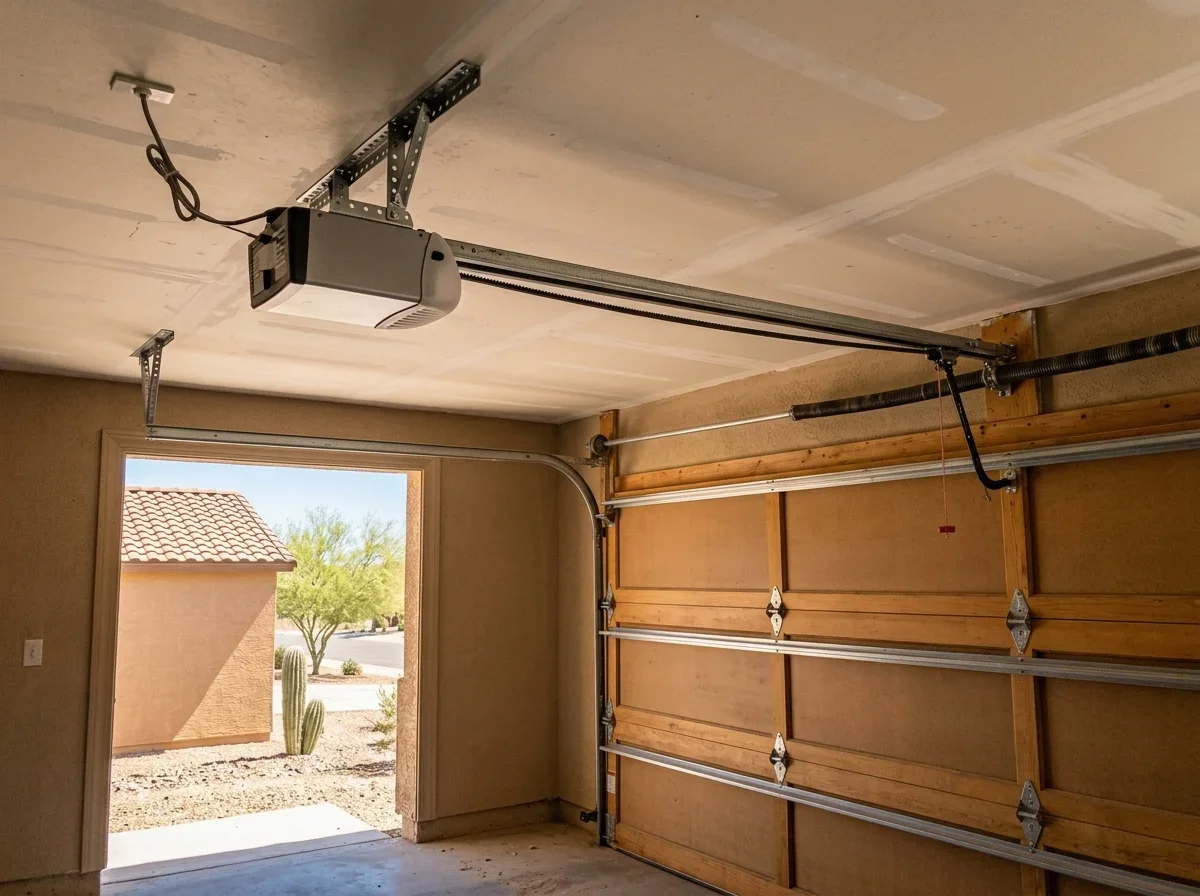
What Makes a Garage Door Opener Smart
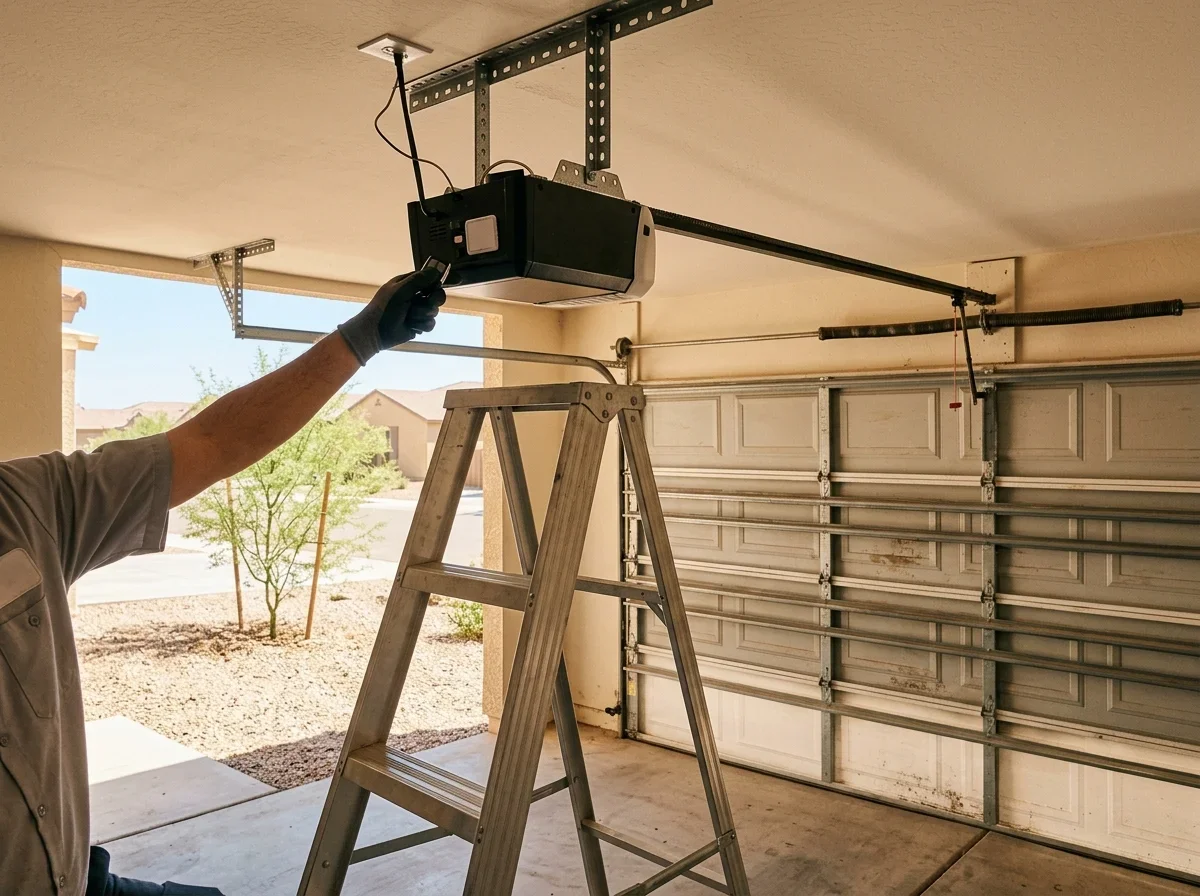
A smart opener connects to your home Wi-Fi and talks to a phone app. Through it you open or close the door, check its status, and get alerts when it moves.
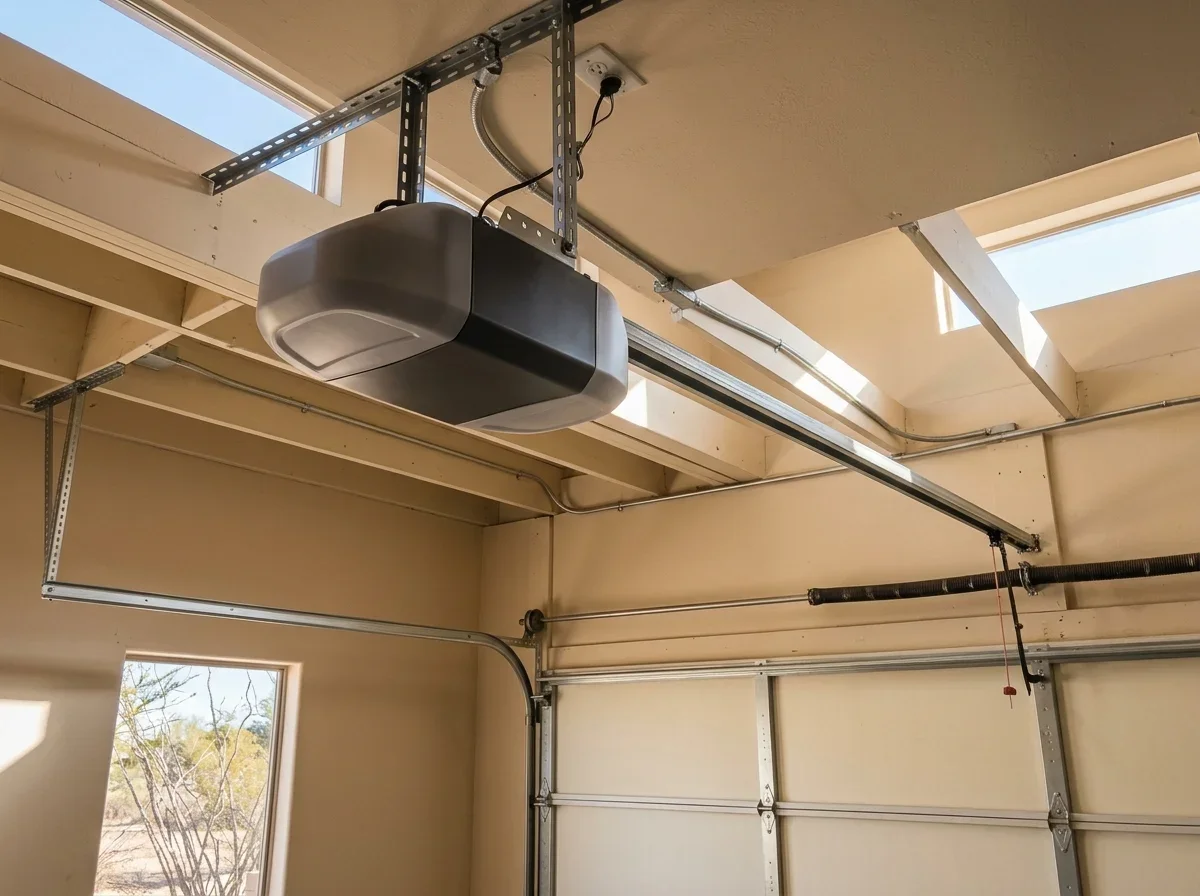
Handheld remotes use radio, while smart models add Wi-Fi, and some list Bluetooth as well.[2] Common features include open/closed alerts, schedules, guest access, and links to voice assistants such as Google Home or Alexa.
Integrations change by brand, so check current compatibility before you buy.
Remote control usually depends on the app and an account. Before you buy, ask whether remote access, camera features, or voice links need a paid tier.
Pro tip
Ask whether remote access, camera features, or voice links need a paid tier before you buy.
Built-In Smart Opener vs Add-On Hub
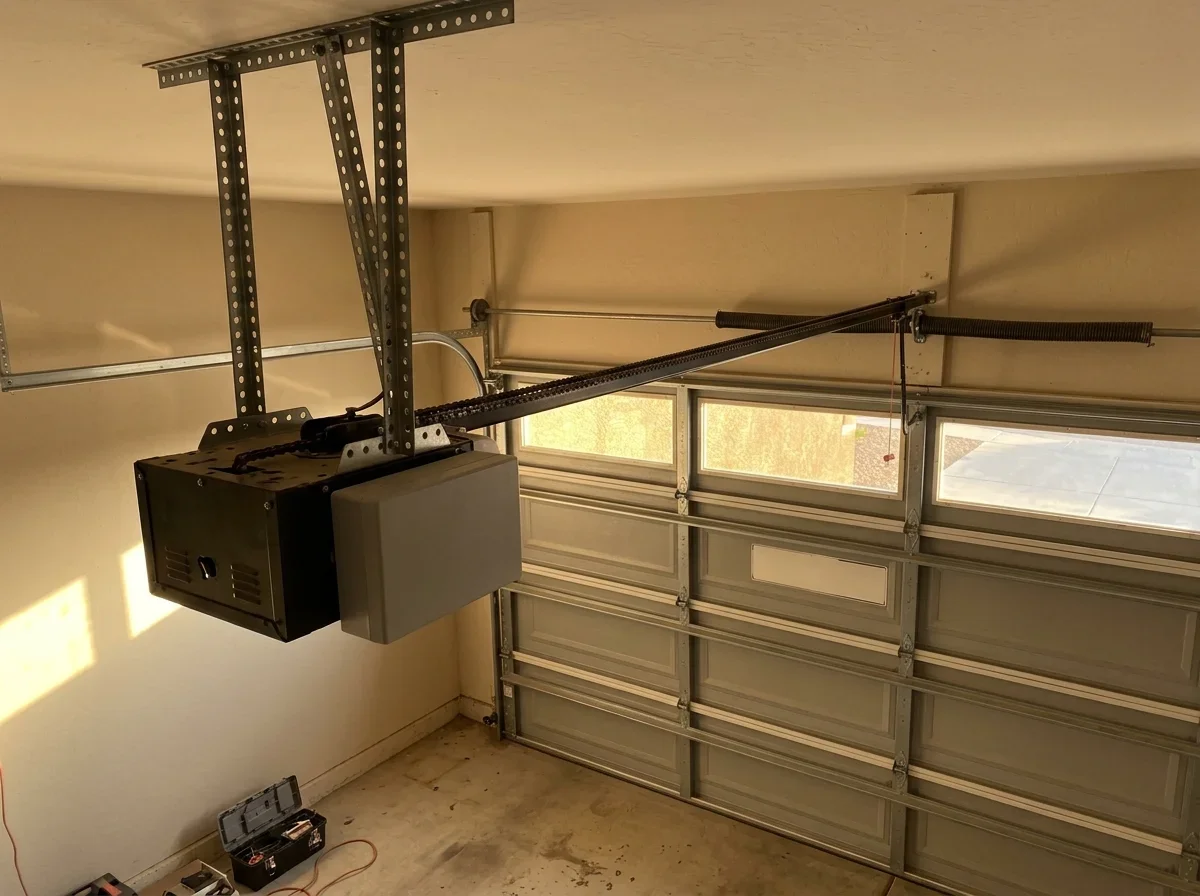
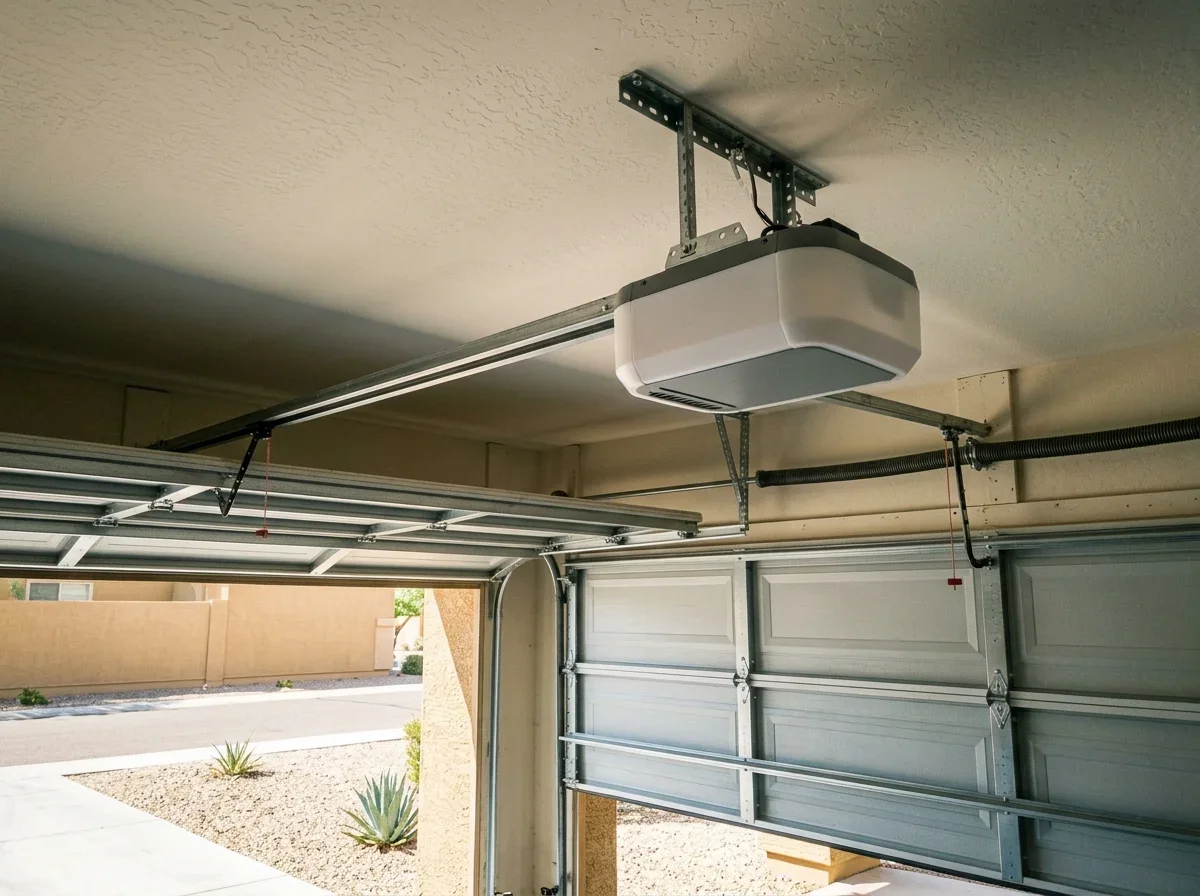
Start with what's hanging from your garage ceiling. Three branches cover most homes:
Decide
Hub or built-in opener
What is hanging from your garage ceiling?
If Working opener from a supported brand
then: A hub is probably enough
If Failing, noisy, or unsupported opener
then: Replace it with a built-in model
If Hub won't pair
then: Switch to replacement
- Working opener from a supported brand: a hub is probably enough.
- Failing, noisy, or unsupported opener: replace it with a built-in model.
- Compatibility problem: if the hub won't pair, the decision flips to replacement.
Phoenix-metro homes average a 1985 build year, so many openers are older generations. Use the brand's own compatibility page, not a roundup.
Side by side
Built-in opener versus add-on hub
Built-in smart opener
- Wi-Fi is inside the opener
- Replaces your existing opener
- Best for failing or unsupported openers
Add-on hub
- Plugs in near the opener
- Depends on the opener's brand and age
- Best for healthy, compatible openers
| Built-in smart opener | Add-on hub | |
|---|---|---|
| What it is | Wi-Fi is inside the opener | A small controller that plugs in near the opener |
| Works with existing opener | Replaces it | Depends on the opener's brand and age |
| Wi-Fi needs | Signal must reach the opener | Signal must reach the hub, often a 2.4 GHz network |
| Wiring and power | Ceiling outlet, standard opener wiring | Its own outlet, plus low-voltage wire to the opener terminals and a door sensor |
| Battery backup | Available on selected models[1] | Adds none; depends on your opener |
| Best for | Failing or unsupported openers | Healthy, compatible openers |
| Typical installer | Usually a pro | Typically DIY |
What a Hub Can't Change
A hub sends the open/close signal and reads door position. On the myQ hub, that reading comes from a tilt sensor mounted on the door.
It won't quiet a loud chain drive or repair a worn motor. If drive type is part of your frustration, compare belt vs. chain drive openers.
When replacement makes sense, see garage door opener installation and replacement.
Battery Backup During Outages
Some built-in openers include a backup battery. Genie lists up to 50 cycles on one model, and that power moves the door, not necessarily your Wi-Fi.[1]
A hub plugs into its own outlet, so remote control goes dark when the hub or router loses power.
Know where your manual release is, and keep a remote or keypad as a fallback.
Wi-Fi and Wiring Requirements
Many smart openers require Wi-Fi to use app control.[1] Check the manufacturer spec for the band, since a 2.4 GHz network is commonly required.
Test signal at the ceiling where the opener or hub will sit, not in your living room.
Stucco-over-frame walls and pre-1980 block walls can weaken signal, especially to a detached garage. A mesh node may fix it more cheaply than a new opener.
Summer highs hit 106°F, and a garage ceiling runs hotter. If you add an extender or hub up there, check its rated operating temperature on the spec sheet.
On power, the opener needs a ceiling outlet. A hub needs its own outlet plus low-voltage wires to the opener's terminals.
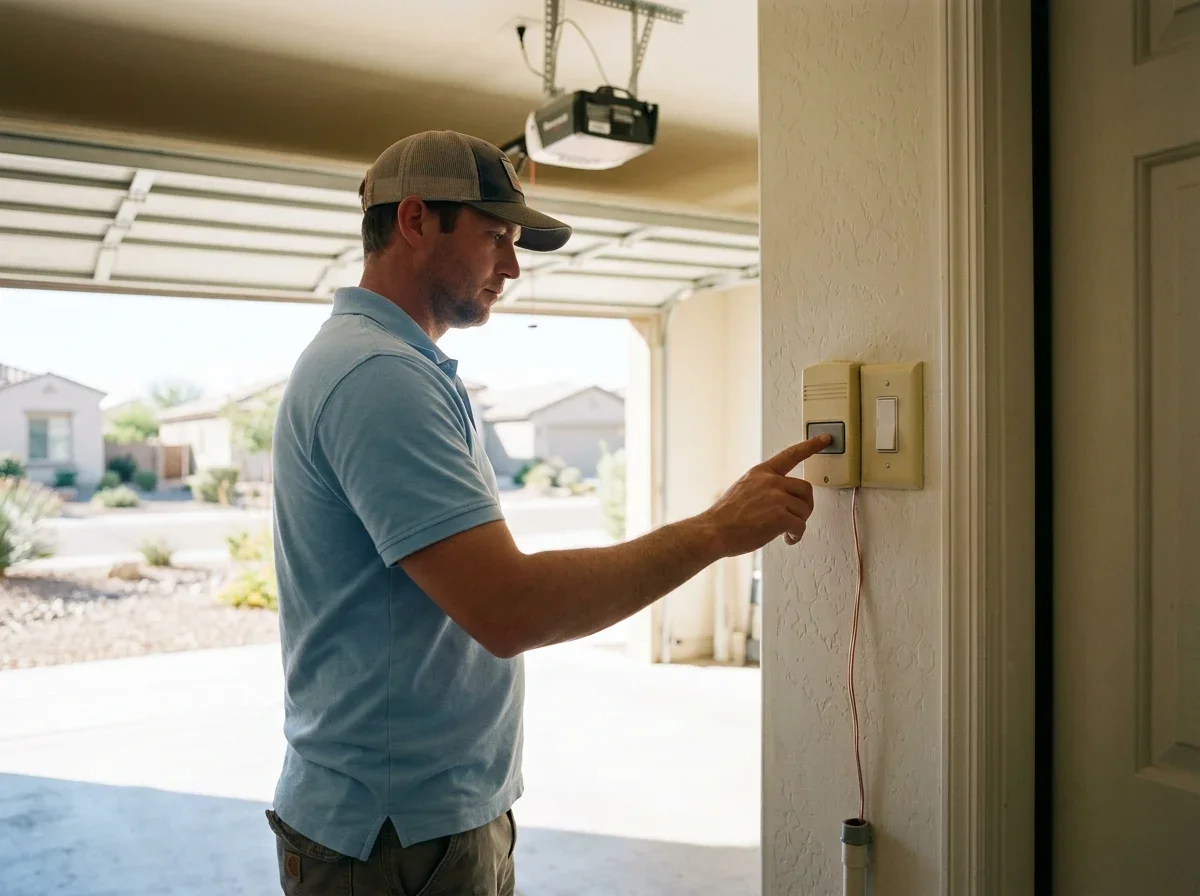
Your safety sensors and wall control stay in place. If the eyes misalign, see garage door sensor repair.
Setting Up and Programming a Smart Opener With Your Phone
Yes, you can program a garage door to your phone. The steps are similar across brands, but follow your manufacturer's instructions.
Step by step
Setting up with your phone
Install the app
Get the brand's app.
Create an account
Sign up in the app.
Pairing mode
Put the hub or opener in pairing mode.
Join Wi-Fi
Connect it to your Wi-Fi network.
Pair with opener
Link the hub to the opener.
Mount door sensor
Only if your hub uses one.
- Install the brand's app.
- Create an account.
- Put the hub or opener in pairing mode.
- Join it to your Wi-Fi network.
- Pair it with the opener.
- Mount the door sensor, if your hub uses one.
If something fails, check these first:
- Weak signal: test at the opener, then add a mesh node.
- Wrong band: confirm the network is 2.4 GHz if the spec requires it.
- Opener won't learn the hub: recheck the compatibility page and the wiring at the terminals.
- App won't close the door: check sensor alignment, since direct sun can interfere.
If the opener still misbehaves, book garage door opener repair.
A hub is usually a DIY job. For a replacement, confirm the license on the ROC contractor search is current.
Jobs over $1,000 need a written contract under A.R.S. 32-1158. Also ask your city whether a permit applies.
Quick answers
Can I program a garage door to my phone?
Yes. Install the brand's app, create an account, put the hub or opener in pairing mode, join your Wi-Fi, and pair it with the opener.
Does a hub add battery backup?
No. A hub adds none and plugs into its own outlet, so remote control goes dark when the hub or router loses power.
Do I need a pro to install a smart opener?
A hub is usually a DIY job. A built-in opener replacement is usually done by a pro.
Related questions
Questions
- Lowe’s. "Genie 1-1/4 HPc Industrial Design Smart Compatible Belt Drive Garage Door Opener." https://www.lowes.com/pd/Genie-1-1-4-HPc-Industrial-Design-Smart-Compatible-Belt-drive-Garage-door-opener-Wi-Fi-Compatibility-and-Battery-Back-Up-LED-Light/5016174503. Accessed October 17, 2026.
- Lowe’s. "CRAFTSMAN 3/4 HPS Smart Compatible Belt Drive Garage Door Opener." https://www.lowes.com/pd/CRAFTSMAN-3-4-HPS-Smart-Compatible-Belt-drive-Garage-door-opener-Wi-Fi-Compatibility-and-Battery-Back-Up-LED-Light/5016357085. Accessed October 17, 2026.