Wi-Fi and Smart Garage Door Openers
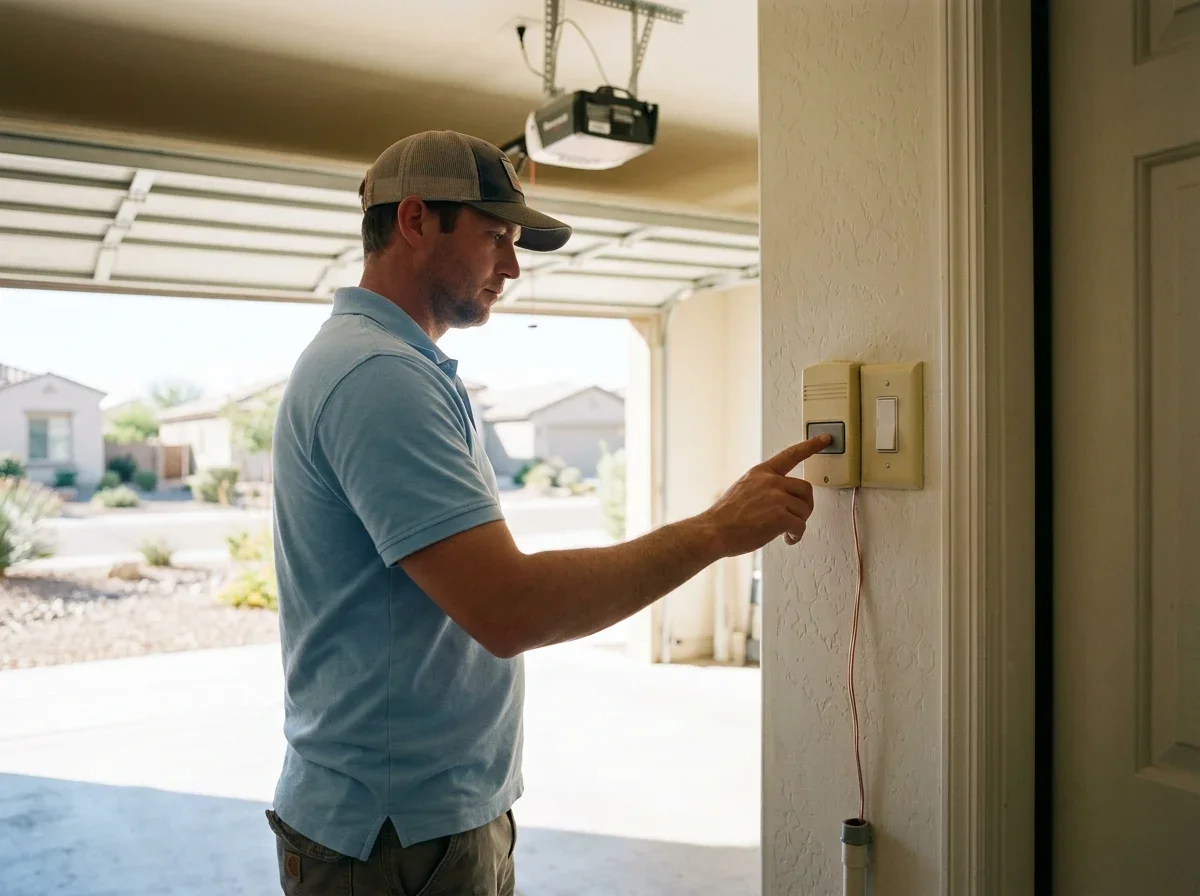
The opener's basic operation does not depend on Wi-Fi. The wall button, remotes and keypad work through the opener itself, and LiftMaster's installation manual for its Wi-Fi model treats the push bar as a separate way to run the door from the Wi-Fi setup.[1]
Phone control, alerts and remote access are the features that need a connection.
That connection usually means a home network. The same LiftMaster manual calls for a broadband internet connection and a Wi-Fi signal in the garage for phone control.[1] Some openers instead pair with a bridge that does the networking for them.
Features vary by model, so check your opener's manual before assuming a particular app function exists. If you can't find the manual, the model number on the motor unit will get you the right one from the manufacturer's site.
What Still Works Without Wi-Fi
When the internet drops or the router is off, the wall button, handheld remotes and keypad keep working as long as the opener has power.[1] Treat them as a separate system from your phone.
Keep at least one of them in regular use so an app or server problem never locks you out.
Battery backup and manual release behavior depend on the model, so don't assume either one. Look for both in your manual, particularly if you want the door to work during a summer power outage.
What stops working offline is anything that relies on the app:
- Remote open and close from away from home
- Notifications when the door moves
- Activity history
- Guest access you've shared by phone
Even while you're home, a lost connection can leave the app unable to reach the opener.
Plan on the wall control or a remote as your fallback.
Usually covered
- Wall button
- Handheld remotes
- Keypad
Usually not covered
- Remote open and close from away
- Notifications when the door moves
- Activity history
- Guest access shared by phone
Built-In Wi-Fi vs. a Add-On Bridge
A built-in Wi-Fi opener has fewer parts. Genie's Model 4164H, for example, has Aladdin Connect built in, so it needs no separate smart-control hardware and works through a home router.[5] The tradeoff is that you are tied to that opener's app and its compatibility list.
An add-on controller can give an existing opener phone control. Genie's Aladdin Connect works with compatible residential sectional-door openers, generally those made after January 1, 1993 with safety beams.[2] LiftMaster's Smart Garage Control covers many brands made after 1993, provided the photoelectric safety sensors work.[4]
Check the manufacturer's compatibility list for your exact opener before you buy.
Checklist
Before you buy
0 of 4 ticked
Tick them off as you go. Nothing is saved or sent.
Signal strength is the step people skip. Genie recommends testing Wi-Fi where the controller will mount, and suggests moving the router closer or adding an extender if the signal is weak.[3] LiftMaster recommends at least 75% signal strength in the garage.[4]
Stucco and block walls common in Arizona homes can weaken a signal, so test with your phone at the garage ceiling first.
| Built-in Wi-Fi | Add-on bridge or controller | |
|---|---|---|
| Setup | Connect the opener to your network | Mount the device, connect it to Wi-Fi, pair it |
| Compatibility | Tied to that opener's app | Limited to listed openers |
| Parts | Fewer | Extra hardware and possibly sensors |
If you're replacing an aging opener anyway, built-in Wi-Fi is the simpler route. If your current motor runs fine, a compatible controller keeps it in service.
For a broader look at features, see Smart Garage Door Openers: Features, Setup and What to Know, or review garage door opener installation and replacement if you're ready to upgrade.
Quick answers
Does a garage door opener need Wi-Fi to work?
No. The wall button, remotes and keypad work through the opener itself, as long as it has power.
What stops working when the internet is down?
Anything that relies on the app, including remote open and close, notifications, activity history and shared guest access.
Can I add Wi-Fi to an existing opener?
Often yes, with a compatible controller. Check the manufacturer's compatibility list for your exact opener first.
Questions
- LiftMaster. "8500W Wall Mount Wi-Fi Garage Door Opener Installation Manual." https://partner.liftmaster.com/medias/8500W-114a4961.pdf. Accessed October 17, 2026.
- The Genie Company. "Aladdin Connect Smartphone Enabled Garage Door Controller." https://store.geniecompany.com/products/aladdin-connect. Accessed October 17, 2026.
- The Genie Company. "Aladdin Connect Installation Instructions." https://store.geniecompany.com/pages/aladdin-connect-installation-instructions. Accessed October 17, 2026.
- LiftMaster. "Smart Garage Control." https://www.liftmaster.com/smart-garage-control/p/821LMC-SMC. Accessed October 17, 2026.
- The Genie Company. "Model 4164H Genie Garage Door Opener." https://www.geniecompany.com/garage-door-opener-/model-4164h. Accessed October 17, 2026.