Start Here: Wall Button, Remote, or Neither Working
Your result sends you to one of three places:
- Wall button works, remote doesn't: go to the remote section below.
- Remote works, wall button doesn't: the wall control or its wiring is the suspect, not the motor.
- Neither works: skip to the power section.
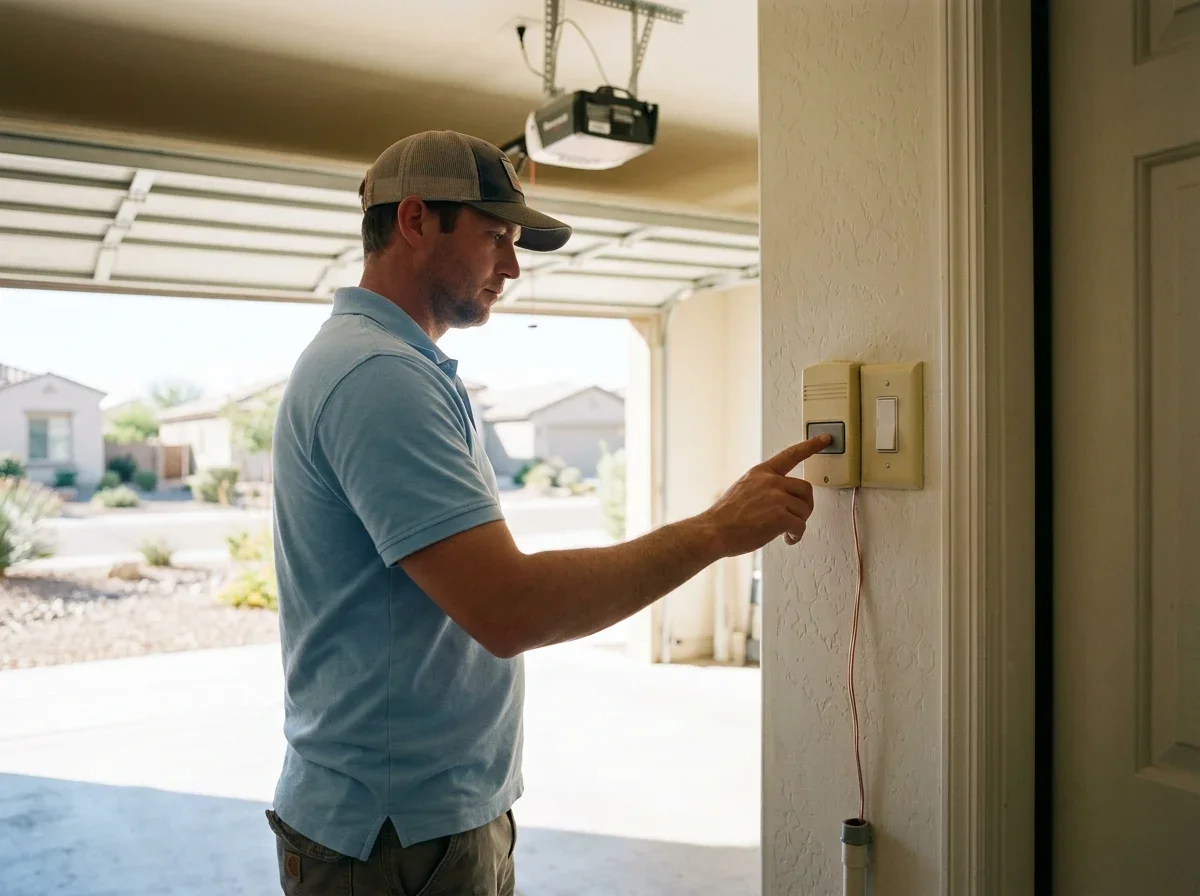
Look at the wall panel for a lock or vacation setting, since the manufacturer's troubleshooting steps say to verify the lock feature is not activated.[1]
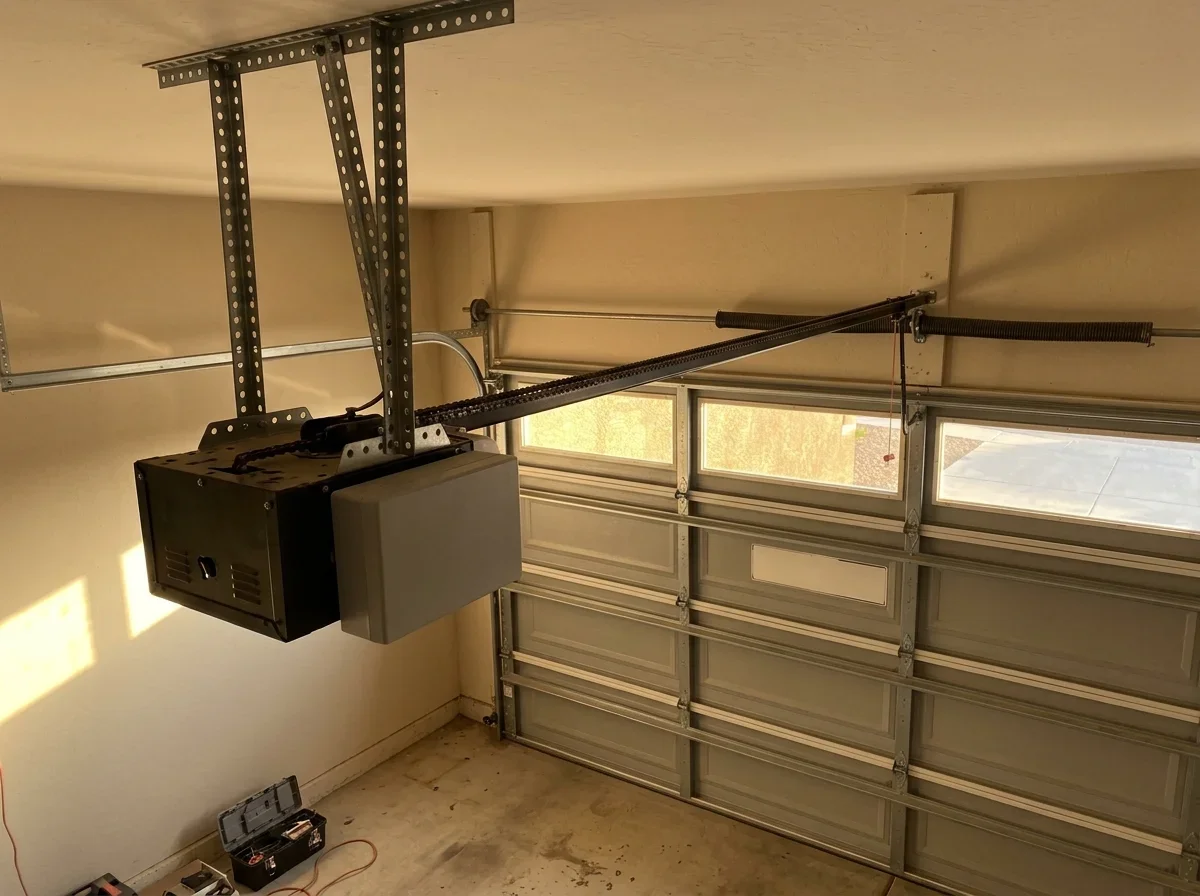
Don't touch springs, cables or bottom brackets. If you see a gap in a spring or a frayed cable, stop and read about garage door spring repair and replacement. Work in the morning or evening, too. A ladder in a 106°F garage is a bad idea.
Remote Not Working but the Wall Button Works
A working wall button tells you the motor and logic board are at least partly alive. The problem is likely the remote, its programming or the receiver.
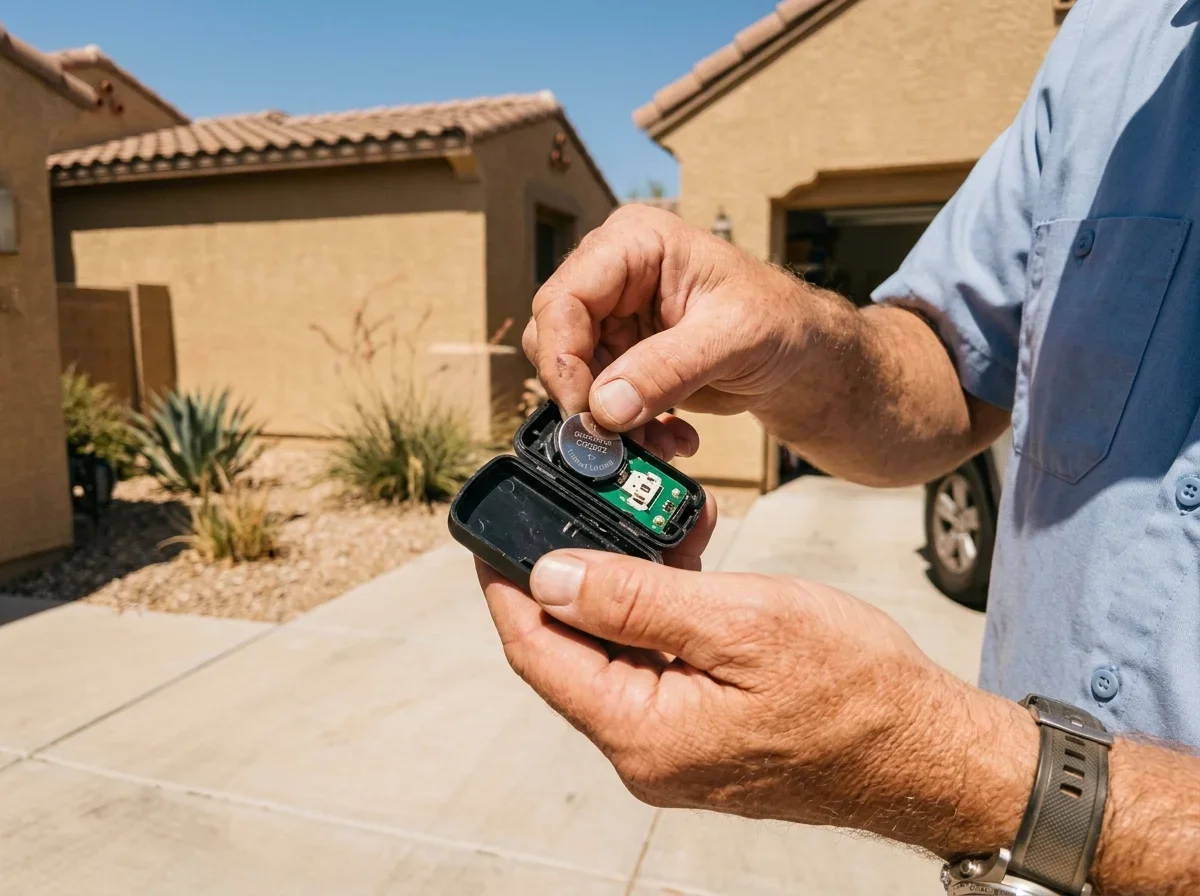
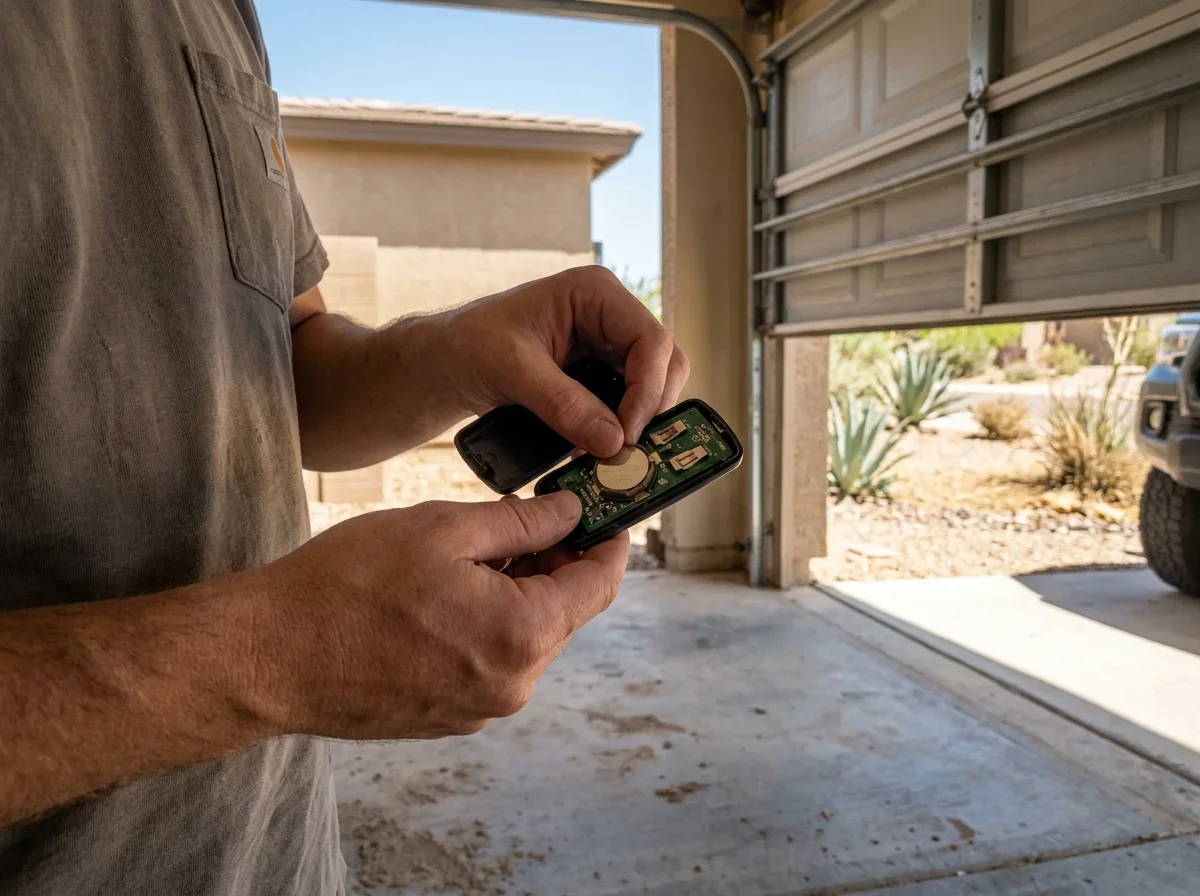
Start with the battery. Replace the coin cell and check that the contacts are clean and snug. Depleted remote batteries are the first item on LiftMaster's list of common problems.[3] Our guide to replacing garage door remote batteries covers battery types and range fixes.
If a fresh battery doesn't help, reprogram the remote. The steps to program a garage door remote or keypad take only a few minutes.[1]
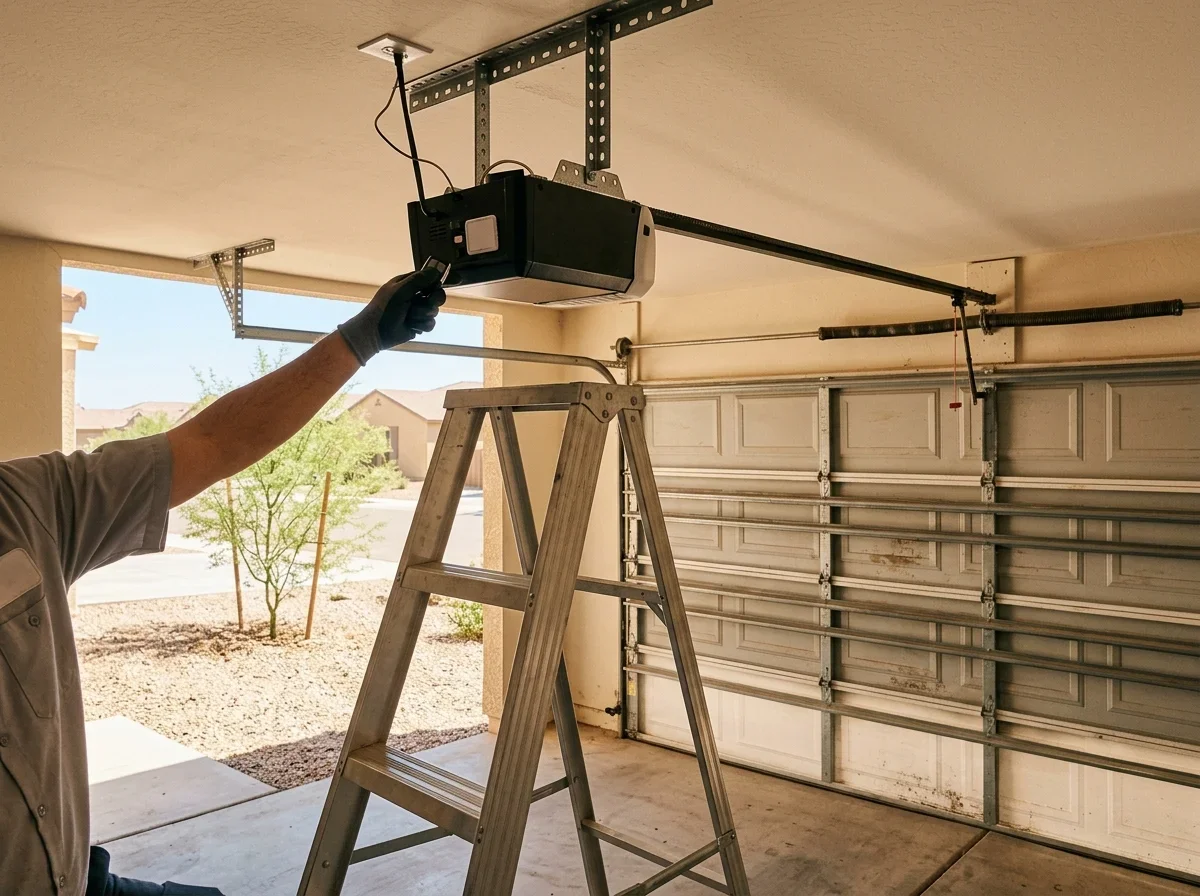
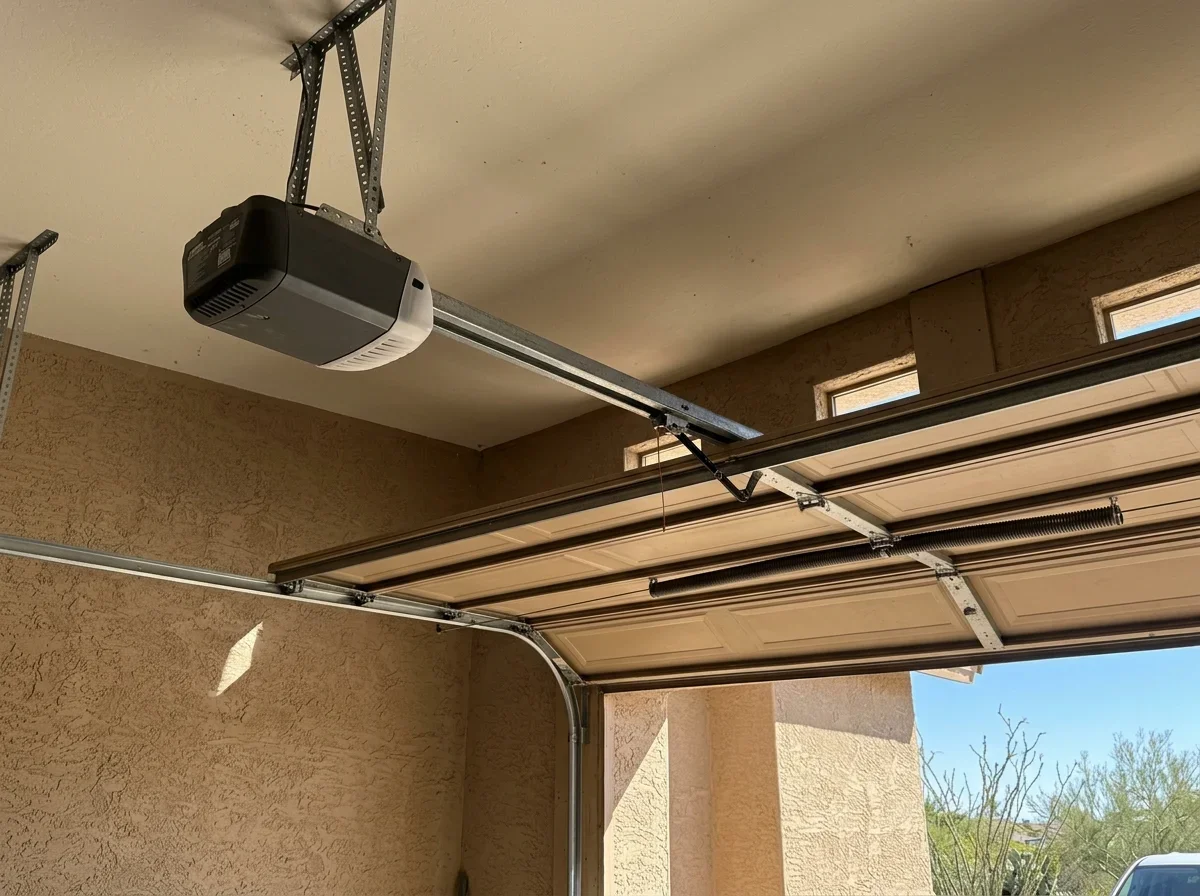
Next, look at the antenna wire hanging from the opener head. LiftMaster suggests relocating the antenna or increasing separation from interfering equipment.[2] A new LED bulb in the opener light is worth testing too. Swap it out and try the remote again.
Pro tip
Change one thing at a time and test the remote after each step, so you know which fix worked.
Verdict: battery, lock mode, reprogramming and the LED test are fix-it-yourself steps. If all of them fail, call a pro for the receiver or board.
Neither Remote nor Wall Button Works: Check Power First
When nothing responds, start with electricity. Confirm the opener is plugged in, then test the outlet with a lamp. Check for a tripped GFCI and make sure the breaker is on.
If power is fine, try the reset. Unplug the opener for about a minute, plug it back in and test again.
How it works
Power check order
Step 1: Confirm the opener is plugged in
Step 2: Test the outlet with a lamp
Step 3: Check the GFCI and breaker
Step 4: Unplug for about a minute, then plug back in
Next, check the safety sensors. Blinking opener lights or a door that won't close often point to misaligned or blocked sensors.[3] After a haboob, wipe the sensor lenses and check alignment. See garage door sensor repair if they still won't line up.
A bad wall control or an intermittent short in its wiring is a possibility when disconnecting the wall-control wires restores operation.[1] Follow your manual for that test.
Verdict: outlet, GFCI, breaker, reset and sensors are yours to handle. Any wiring inside the opener or the ceiling is a stop-and-call point.
Motor Hums, Clicks or Runs but the Door Won't Move
Sound is a useful clue here.
- Motor runs but the door stays still: a disengaged trolley, stripped drive gear, or broken belt or chain.
- Hum with no motion: a stuck door, or a failing capacitor or board.
- Click or silence: a likely control board problem, not something repeated remote presses will fix.
Belt parts and labor belong with garage door opener repair.
Use the red emergency release only if the door is closed and the springs look intact. Never pull it with the door open.
A door that binds or won't stay balanced should be serviced by a professional.[4] The page on an opener that hums but won't move the door goes deeper.
When a board or motor fails on an aging unit, compare the repair against garage door opener installation and replacement.
What the Symptom Usually Means
| Symptom | Likely cause | Try yourself | Call a pro if |
|---|---|---|---|
| Wall button works, remote doesn't | Dead battery, lock mode, lost programming, receiver | Replace battery, check lock, reprogram | Fresh battery and reprogramming fail |
| Remote works, wall button doesn't | Wall control or its wiring | Inspect connector and wires | Wiring looks damaged or the test is unclear |
| Nothing works, no light | No power, transformer or board | Check outlet, GFCI, breaker, reset | Power is present but the unit stays dead |
| Light on, door doesn't move | Control board, travel limits | Check limits after any reset | Unit clicks or limits won't hold |
| Motor runs, door still | Disengaged trolley, belt, gear | Reconnect trolley if door is closed | Belt, chain or gear is damaged |
| Blinking light, door won't close | Blocked or misaligned sensors | Clean lenses, realign | Sensors are aligned and it still blinks |
Related questions
- Why Is My Garage Door Opener Beeping?
- Garage Door Opener Hums but the Door Won't Move
- Will a Garage Door Opener Work in a Power Outage?
Quick answers
Why does my wall button work but not my remote?
Start with the remote battery, then check the lock setting and reprogram the remote. If those fail, the receiver or board may need a pro.
What should I check if nothing works?
Check that the opener is plugged in, test the outlet, look for a tripped GFCI, confirm the breaker is on, then unplug the opener for about a minute and test again.
What does it mean if the motor runs but the door won't move?
It is often a disengaged trolley, stripped drive gear, or broken belt or chain.
Questions
- LiftMaster. "8500W Wall Mount Wi-Fi Garage Door Opener Installation Manual." https://partner.liftmaster.com/medias/8500W-114a496.pdf. Accessed October 17, 2026.
- LiftMaster. "Wi-Fi Garage Door Opener Installation Manual." https://partner.liftmaster.com/medias/Model-8365W-267-114a5083.pdf. Accessed October 17, 2026.
- LiftMaster. "Garage Door Opener Repair & Maintenance." https://www.liftmaster.com/about-liftmaster/garage-door-opener-repair-maintenance. Accessed October 17, 2026.
- U.S. Consumer Product Safety Commission. "Non-Reversing Automatic Garage Door Openers Are a Hazard." https://www.cpsc.gov/s3fs-public/pdfs/blk_pdf_523.pdf. Accessed October 17, 2026.