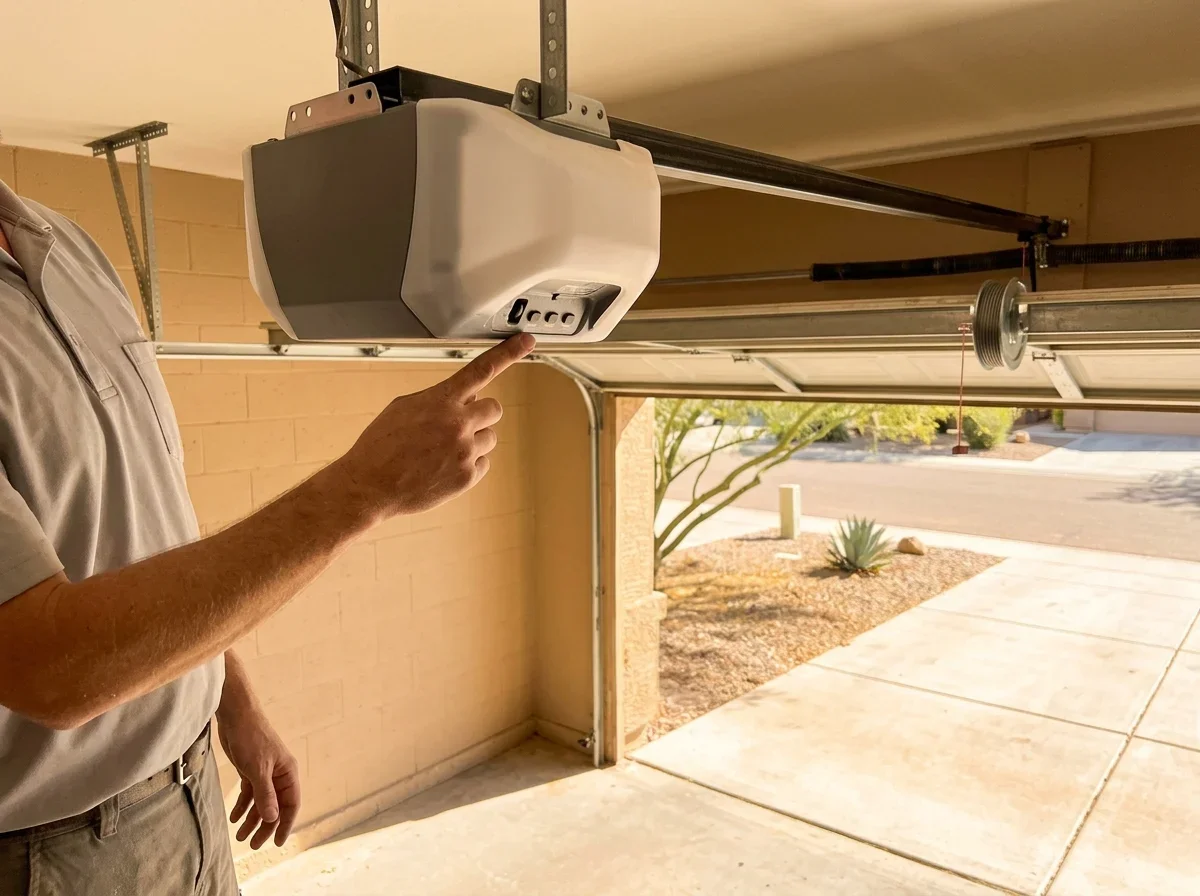
Battery Type Used in Garage Door Remotes
Read the battery type off the old cell or the remote's label. Don't guess from brand alone.
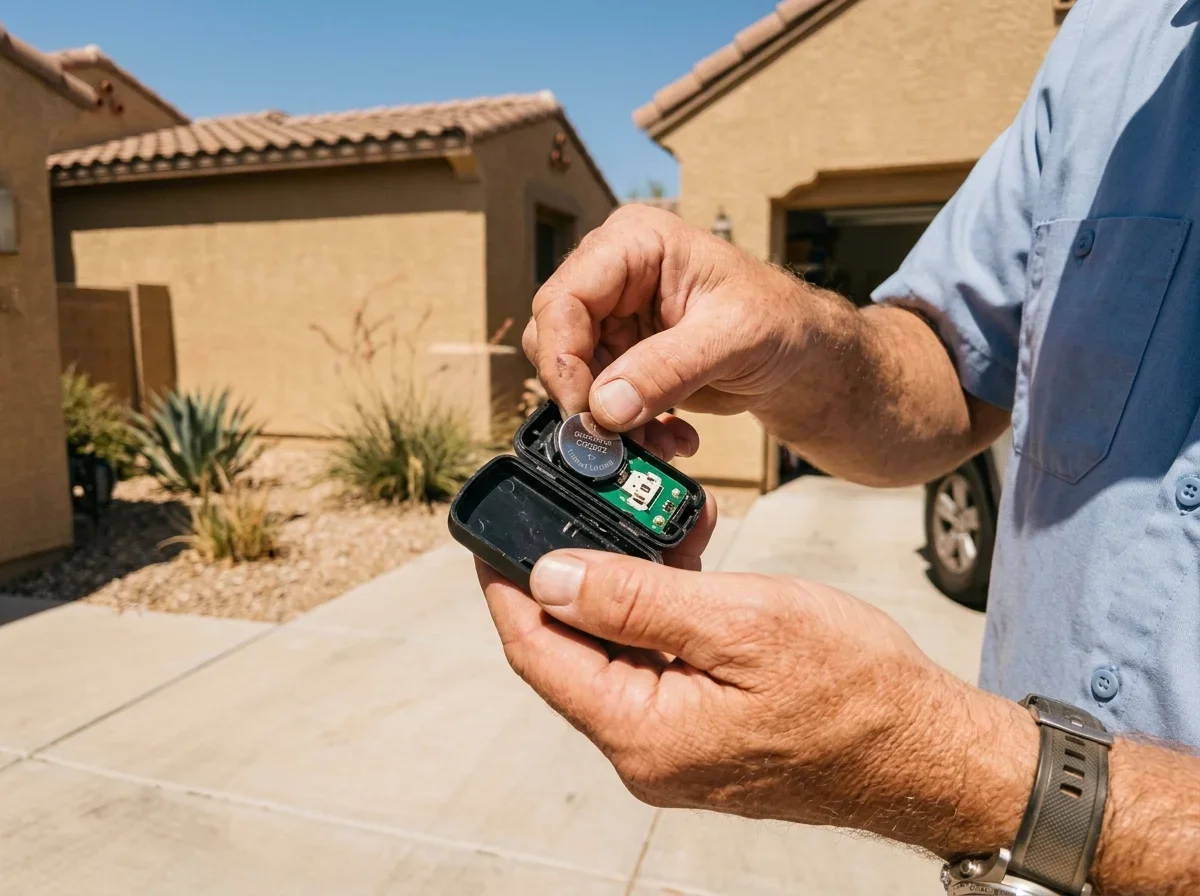
Handheld remotes commonly use a coin cell, a single AAA, or a small 12V A23 cylinder, and that A23 is easy to mistake for a AAA. Genie's G3T remote, for example, takes a CR2032 coin cell[2], while its GL2T-BX remote takes one AAA[3].
Keypads often use a different cell than the remote in your pocket. Genie's GK-R keypad takes two alkaline AAA batteries[4].
The backup battery inside the opener head is a separate thing: a sealed rechargeable pack, not a remote cell. It differs by brand and model, so confirm by the model number printed on the head unit. Older openers may use a different pack or have no backup battery at all.
| Device | Where to find the battery | How to identify the type | Typical symptom when weak |
|---|---|---|---|
| Handheld remote | Behind a snap-open or screwed case on the back | Code printed on the old cell (such as CR2032) or on the remote's label | Dim or no LED, shorter range, need to press several times |
| Keypad | Under a slide-off or screwed cover on the keypad housing | Marked inside the compartment; check the keypad's manual | Unresponsive buttons or faint backlight, worse from a distance |
| Wall control panel | Behind tabs or screws, only on wireless models | Wired panels have no replaceable battery; wireless ones list it in the compartment | Panel won't respond or the display fades |
| Opener backup battery | Behind a cover on the head unit, on models built for battery backup | Match model number, voltage, and connector to the manual | Beeping, a warning LED, or no operation during an outage |
How to Replace a Garage Door Remote Battery
The process is the same for most remotes and keypads.
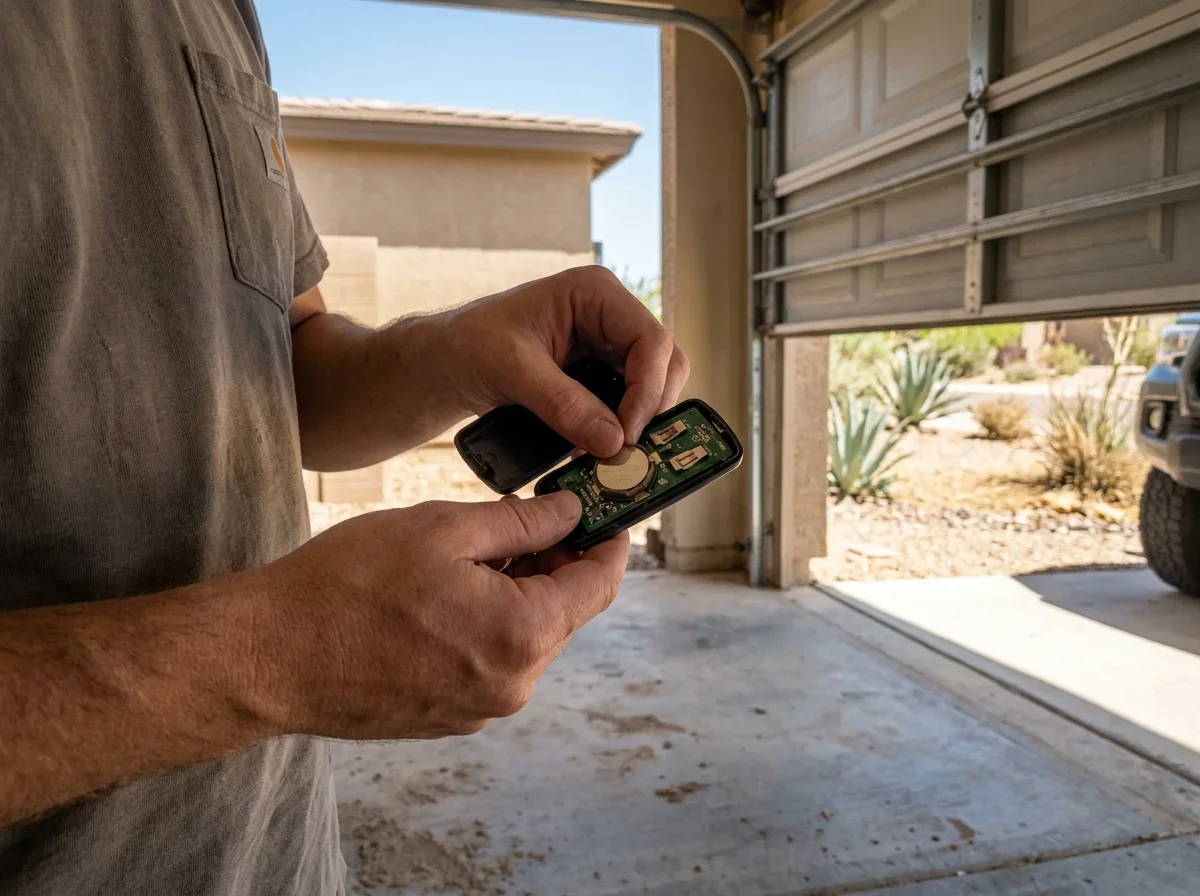
- Open the case with a coin or small screwdriver. Genie notes a washer or coin works on the G3T[2].
- Note the polarity markings before you remove the old cell.
- Swap in a fresh battery oriented to match. Replace both cells if the device takes two.
- Wipe the contacts and close the case fully. Dust from a haboob can sneak in while the case is open.
- Test at the door.
For a keypad, slide or unscrew the cover and check polarity on the two AAA cells[4]. Wireless wall panels usually use tabs or screws.
Step by step
Replacing a remote or keypad battery
Open the case
Use a coin or small screwdriver.
Note polarity
Check the markings before removing the old cell.
Swap the battery
Install a fresh one oriented to match, and replace both cells if the device takes two.
Clean and close
Wipe the contacts and close the case fully.
Test
Try it at the door.
Keep spares out of a parked car. A visor clip in a Phoenix summer is a rough place for any battery.
Pro tip
Store spare batteries indoors, away from heat, and write the cell code on the remote's label so you buy the right one next time.
Some keypads need reprogramming after a swap[5], so keep how to program a garage door remote or keypad handy.
Dead Battery or Reprogramming: How to Tell
Run this two-minute check before buying anything else.
- Press the remote and watch its LED. No light usually means a dead or badly seated battery.
- Light on, door ignores it. The LED only proves the remote has some power. Suspect lost programming and try the wall button to confirm the opener works.
- Wall button fails too. The problem is the opener, not the remote. Move on to opener not working: remote, power or motor.
- Every remote and keypad quit at once. Several batteries rarely die together. Look at opener power, programming, or the receiver first.
If the door still ignores the remote, reprogramming comes next.
Why Your Garage Door Opener Beeps Every 30 Seconds
On many openers, a beep every 30 seconds means the backup battery is low, failed, or disconnected.
LiftMaster's manual describes it this way: a flashing orange LED signals low charge, and a solid red LED means the 12V battery no longer holds a charge and needs replacing[1]. Codes vary by model, so check your manual.
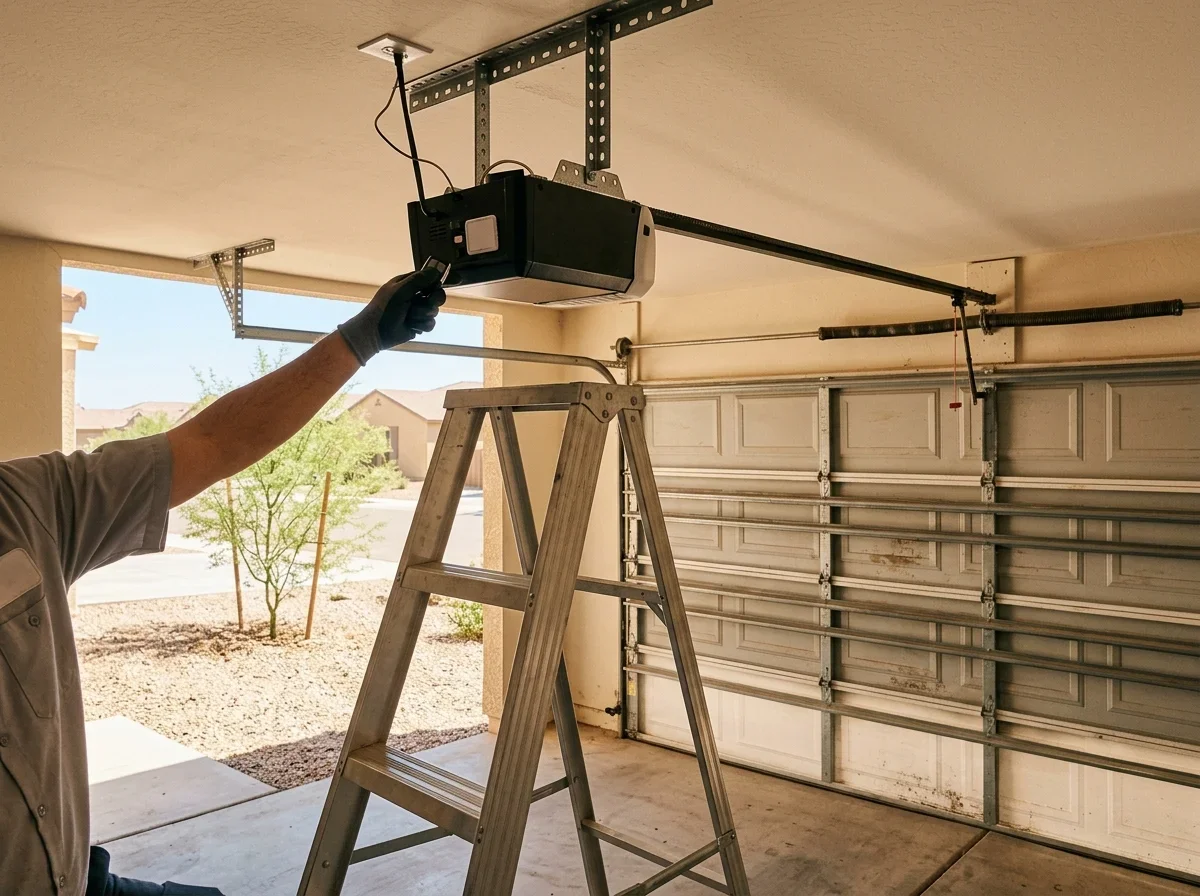
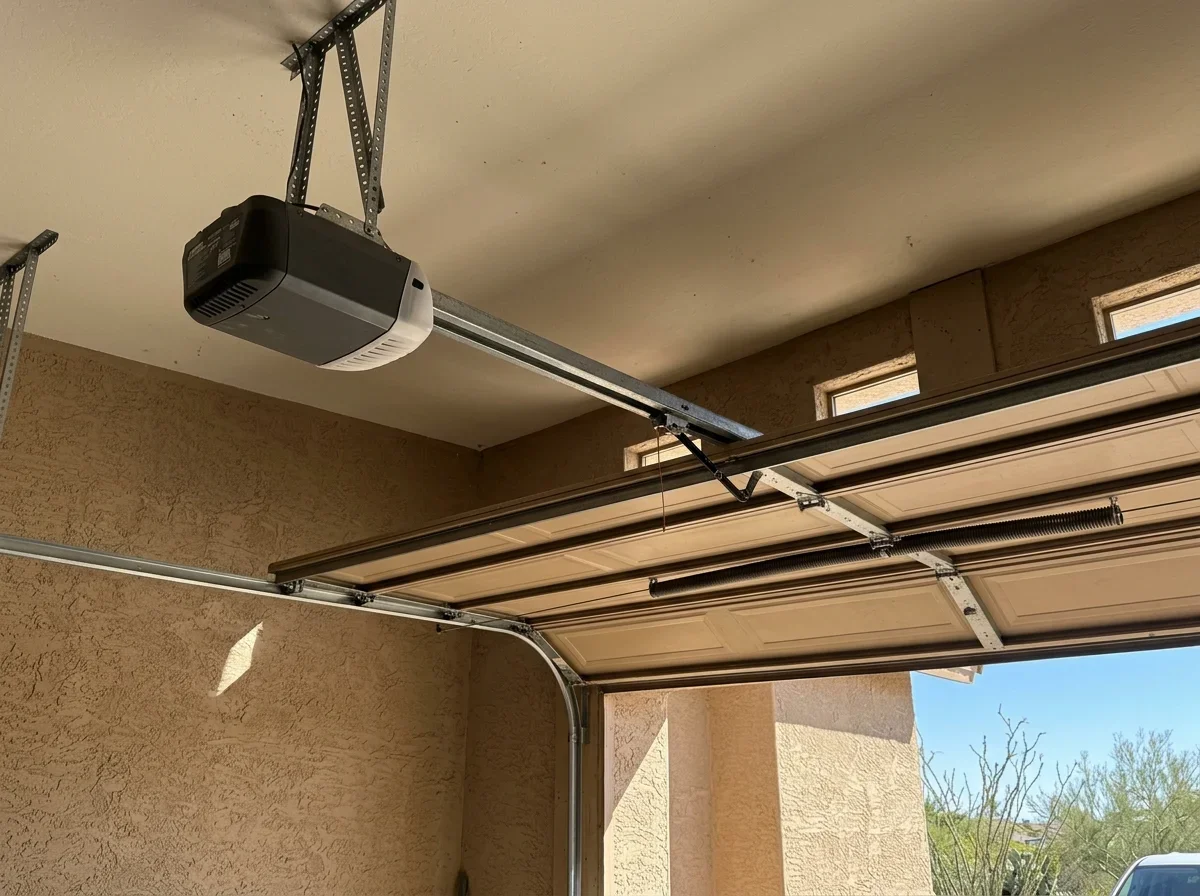
Unplug the opener before you open anything. Then open the head-unit cover or battery door, find the sealed pack, and match the replacement to your model's voltage, size, and connector.
Replacing it is a homeowner job on many models. If you see exposed wiring, stop.
The backup battery matters most during monsoon outages (July to September). It won't explain weak remote range on normal wall power[1].
If the beeping continues after a new battery, the charger or control board may be at fault. That's a job for Garage Door Opener Repair.
Confirm any contractor's license on the Arizona Registrar of Contractors lookup (roc.az.gov/contractor-search). Check that the class on the record covers the work, since the ROC rules name no garage-door class.
Related questions
Quick answers
What battery does a garage door remote use?
It depends on the model. Common types are a coin cell, a single AAA, or a 12V A23. Check the code on the old cell or the remote's label.
Why does my opener beep every 30 seconds?
On many openers it means the backup battery is low, failed, or disconnected. Check your manual for the codes on your model.
Do I need to reprogram after changing the battery?
Some keypads do. If the remote's LED lights but the door ignores it, suspect lost programming.
Questions
- LiftMaster. "8500W Wall Mount Wi-Fi Garage Door Opener Installation Manual." https://partner.liftmaster.com/medias/8500W-114a4961.pdf. Accessed October 17, 2026.
- Genie. "G3T 3-Button Remote Programming Instructions." https://store.geniecompany.com/pages/g3t-3-button-remote-programming-instructions. Accessed October 17, 2026.
- Genie. "AAA Battery for Garage Door Opener Remotes and Keypads." https://store.geniecompany.com/products/aaa-battery. Accessed October 17, 2026.
- Genie. "GK-R Keyless Entry and GM3T-R Remote Pack." https://store.geniecompany.com/products/gk-r-keyless-entry-and-gm3t-r-remote-pack. Accessed October 17, 2026.
- Genie. "Wireless Keypad for Genie Garage Door Openers." https://store.geniecompany.com/products/wireless-keyless-entry-pad. Accessed October 17, 2026.