Garage Door Remote Stopped Working: Check These First
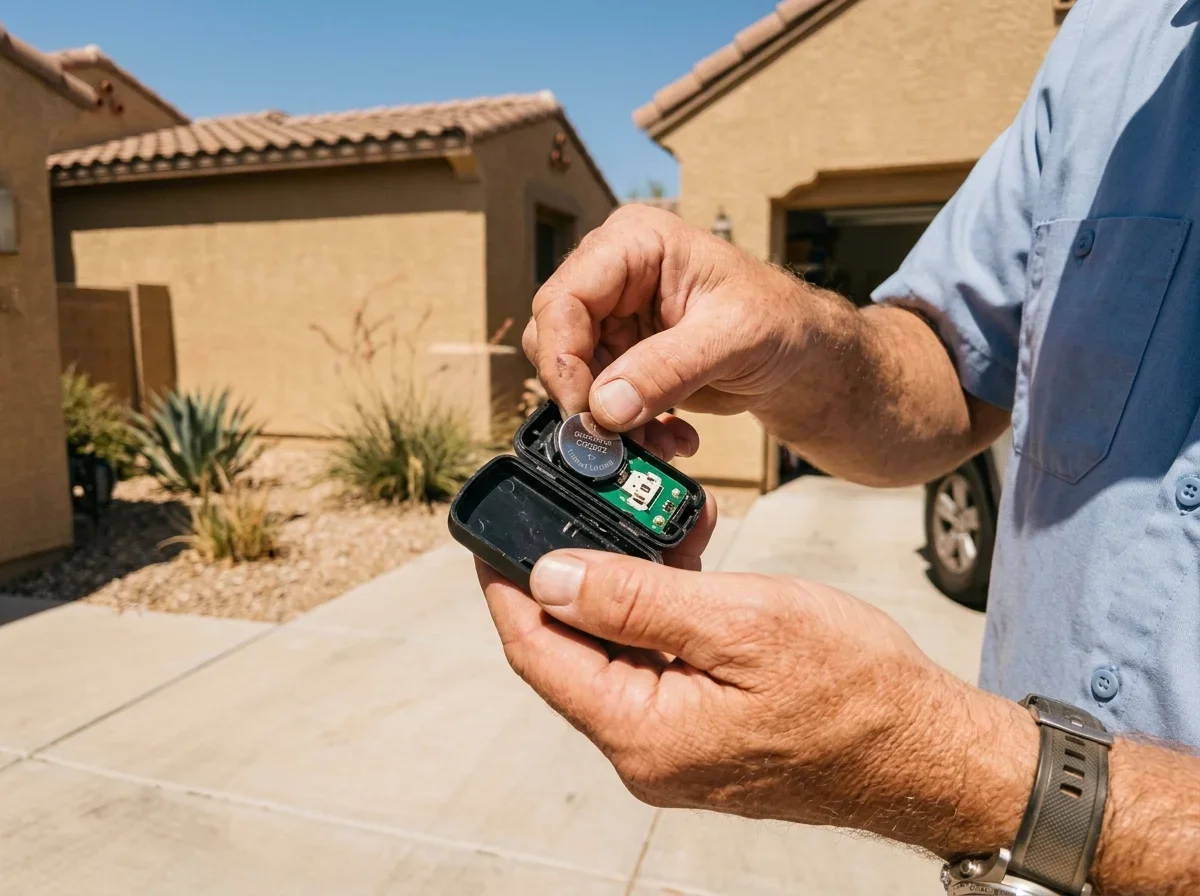
Most dead remotes need a fresh battery. Start there, even if the remote's indicator light still comes on. A weak battery can power the light without sending a strong enough signal.
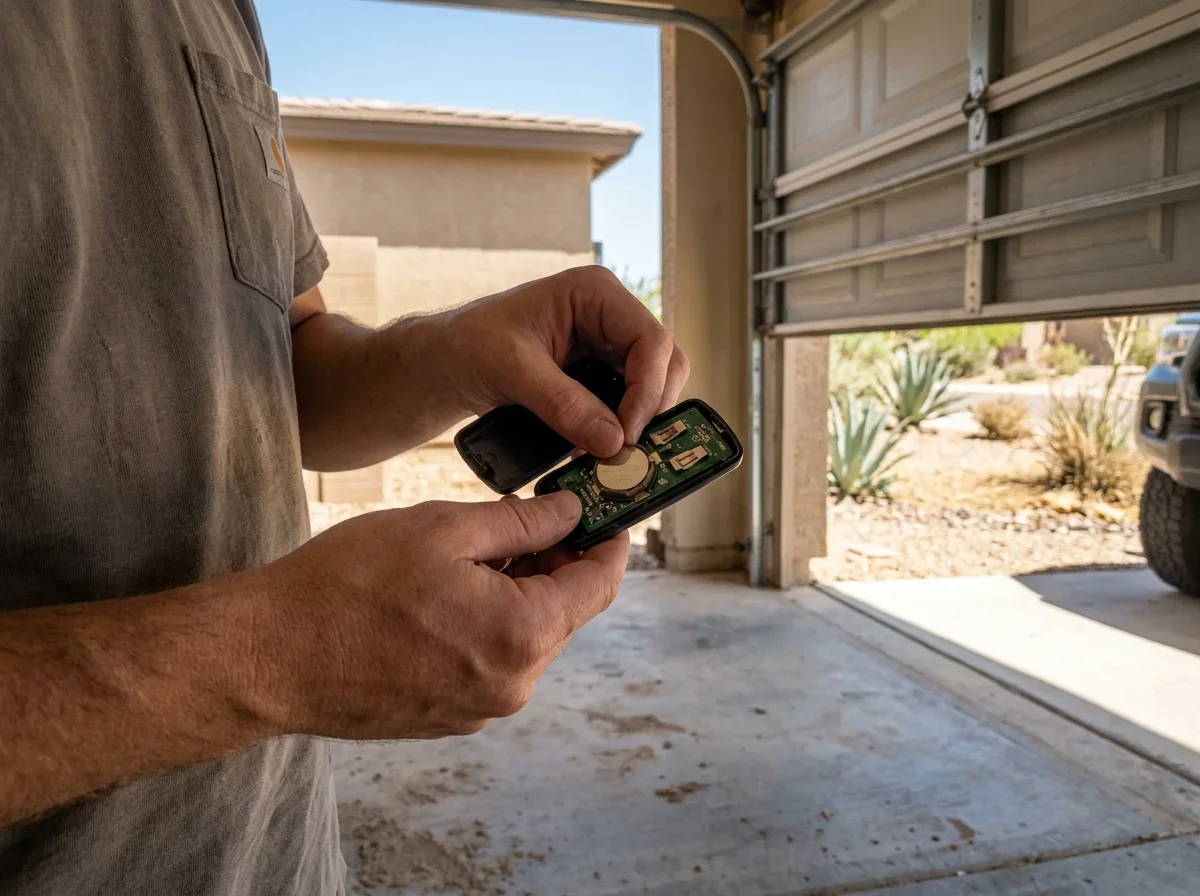
Chamberlain's own support page asks first whether the batteries were recently changed.[4]
If the new battery doesn't help, work through the rest in this order:
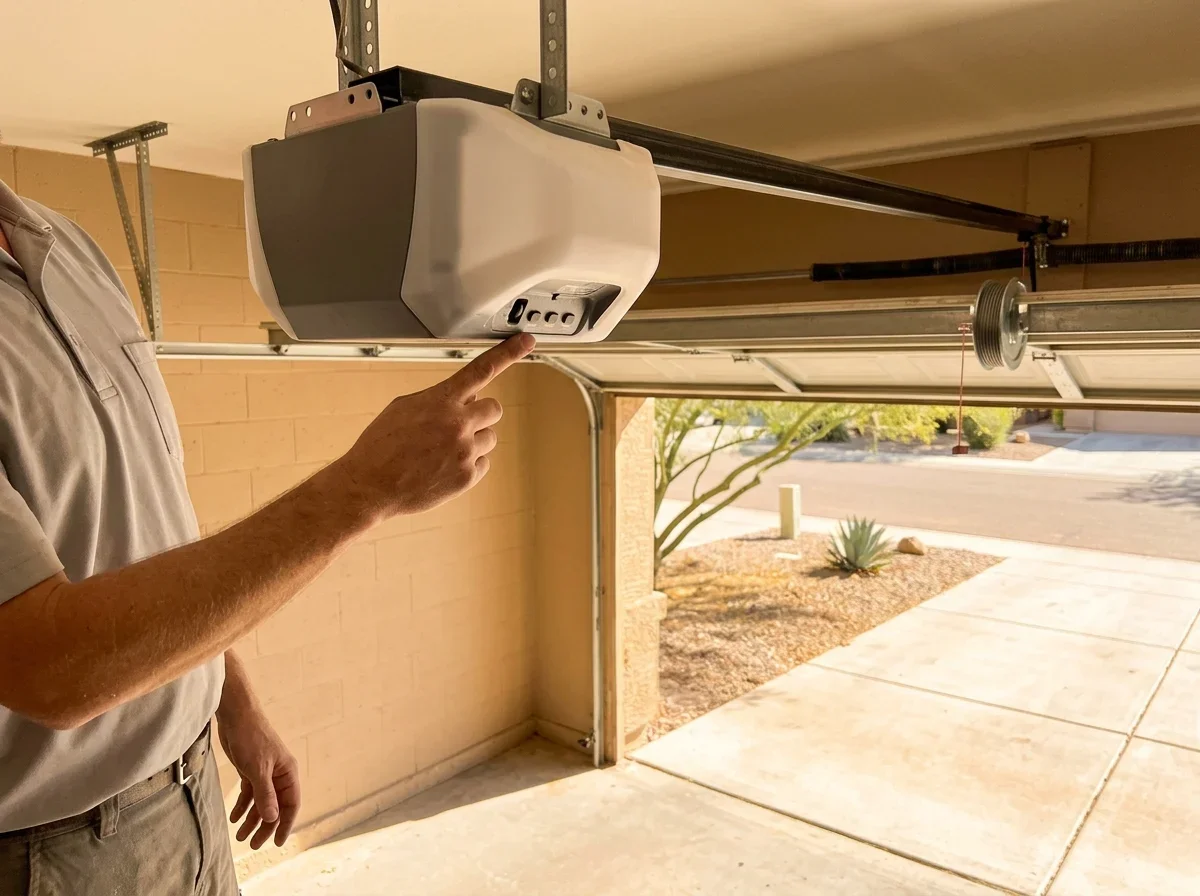
- Range. Stand directly beneath the opener and press the remote. If it works up close but not from the driveway, you're likely dealing with a weak battery, antenna trouble or interference.
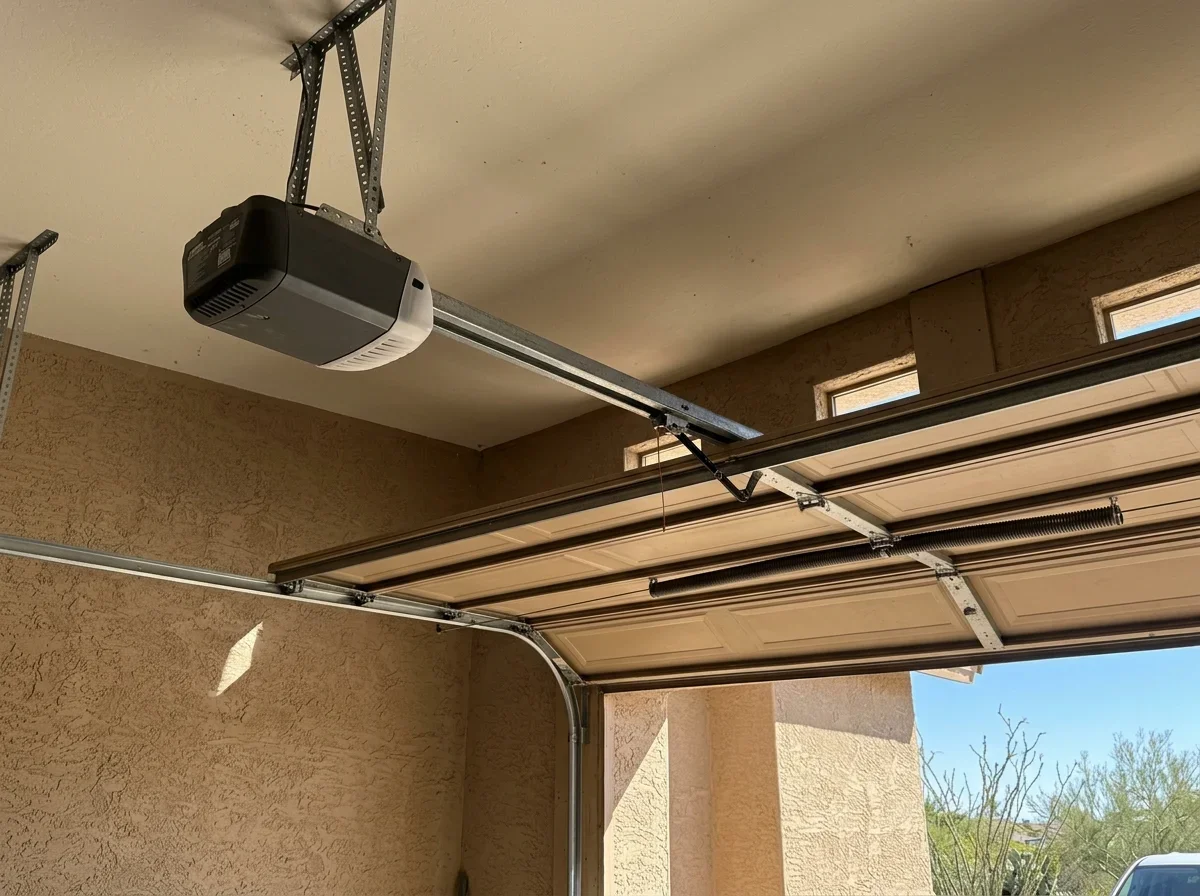
- Antenna. Make sure the opener's antenna wire hangs straight down and isn't bent or tucked behind something. Chamberlain also suggests checking for radio interference, such as CFL or LED bulbs in the opener, and testing whether nearby metal is cutting range.[2]
- Door and building materials. Metal doors, foil-backed insulation and metal siding can all reduce remote range.[1]
- Wall button. Press the wired button inside the garage. This is the fastest way to split a remote problem from an opener problem.
A second remote or a wireless keypad makes a useful tiebreaker, if you have one. If it works, the first remote is the culprit.
Also glance at the wall control for a blinking lock indicator. On some openers, lock mode switches off wireless remotes while the wall button keeps working.
It's an easy fix to overlook.
Telling a Bad Remote from a Bad Opener
The wall button gives you the clearest answer. If it opens and closes the door normally, the motor and basic door operation are probably fine.
Decide
Remote problem or opener problem
Does the wall button open and close the door normally?
If Yes
then: Motor and door are probably fine; focus on the remote, its code or interference
If No
then: Not a remote issue; check opener power, wiring, wall control and the opener itself
Your attention belongs on the remotes, their programmed codes, or interference.
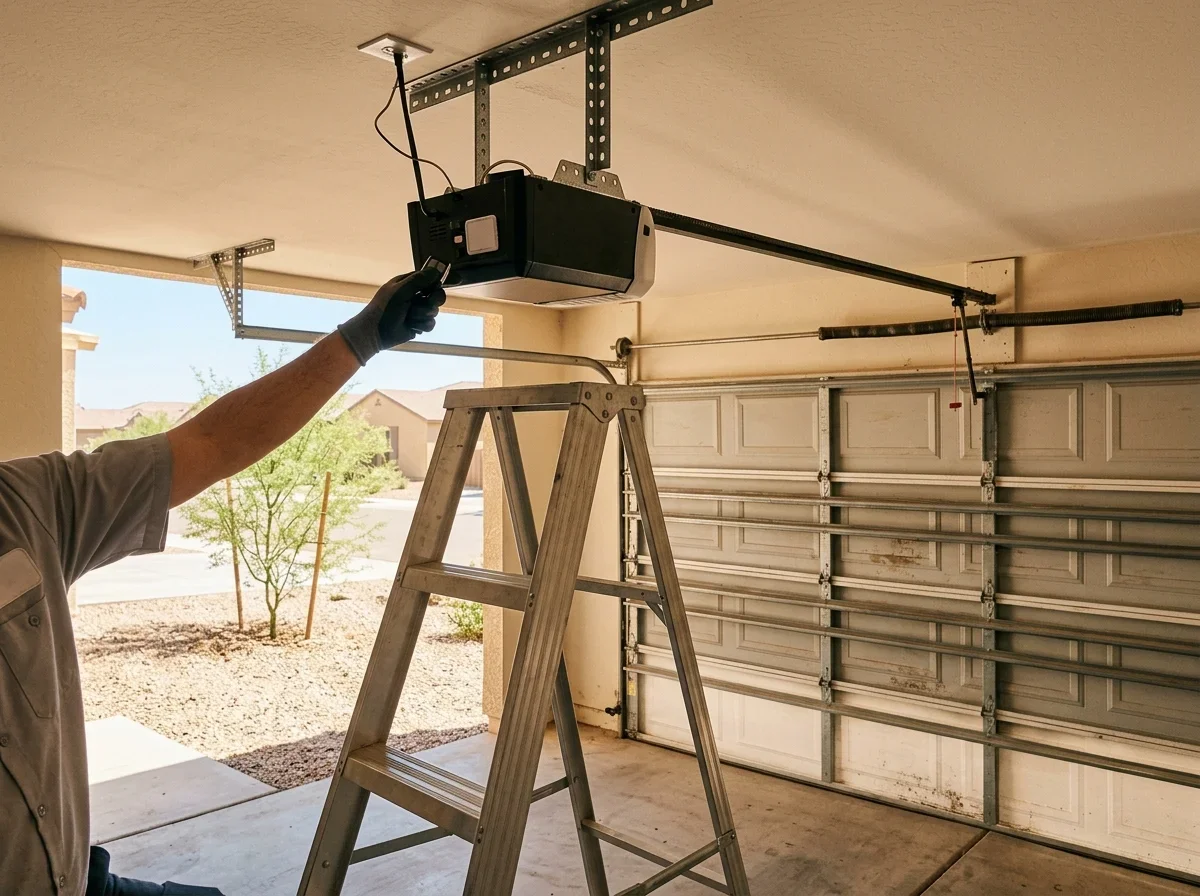
LiftMaster's manual says the same thing: when the opener works from the wall control but not the remote, replace the battery and reprogram the remote.[1] Reprogramming is a quick, cheap test. Press the LEARN button on the opener, which is typically under the light cover near the antenna, then follow your model's steps.[3]
Checklist
Remote troubleshooting steps
0 of 5 ticked
Tick them off as you go. Nothing is saved or sent.
Our guide to replacing remote batteries and fixing range covers the battery side in more detail.
If the wall button is dead too, stop treating this as a remote issue. Check that the opener has power, then look at wiring, the wall control and the opener itself.
Why Opener Remotes Go Bad
Remotes do wear out. Buttons get worn, a circuit board can be damaged, or the remote can lose the code it shares with the opener.
Any of these can make a remote that worked yesterday go quiet today.
Compatibility matters too. Before buying a replacement, check it against the opener's compatibility chart, since a remote that doesn't match your opener won't pair.[3] Older openers may not accept newer remotes at all.
If several remotes fail at once while the wall button still works, buying more remotes won't help. That pattern points to the opener's receiver or logic board, or to interference you haven't found yet.
Call a pro if:
- The wall button doesn't work
- The opener lights flash and the door won't respond
- Remotes keep losing their codes after reprogramming
- Every known-good remote fails
Our garage door opener repair page explains what that service involves.
In Arizona, confirm any contractor's license before hiring by using the lookup at roc.az.gov.[5]
Questions
- LiftMaster. "8500W Wall Mount Wi-Fi Garage Door Opener Installation Manual." https://partner.liftmaster.com/medias/8500W-114a496.pdf. Accessed October 17, 2026.
- Chamberlain. "FAQ Page | ARQ Universal Remote Control." https://arq.chamberlain.com/faqs. Accessed October 17, 2026.
- Chamberlain. "Garage Door Opener Remote Replacement." https://www.chamberlain.com/garage-remotes-and-accessories/garage-door-opener-remote-replacement. Accessed October 17, 2026.
- Chamberlain. "Get Support." https://www.chamberlain.com/support/. Accessed October 17, 2026.
- Arizona Registrar of Contractors. "Keep Your Winter Stress-Free: Check the License Before Hiring a Contractor." https://roc.az.gov/news/keep-your-winter-stress-free-check-license-hiring-contractor. Accessed October 17, 2026.