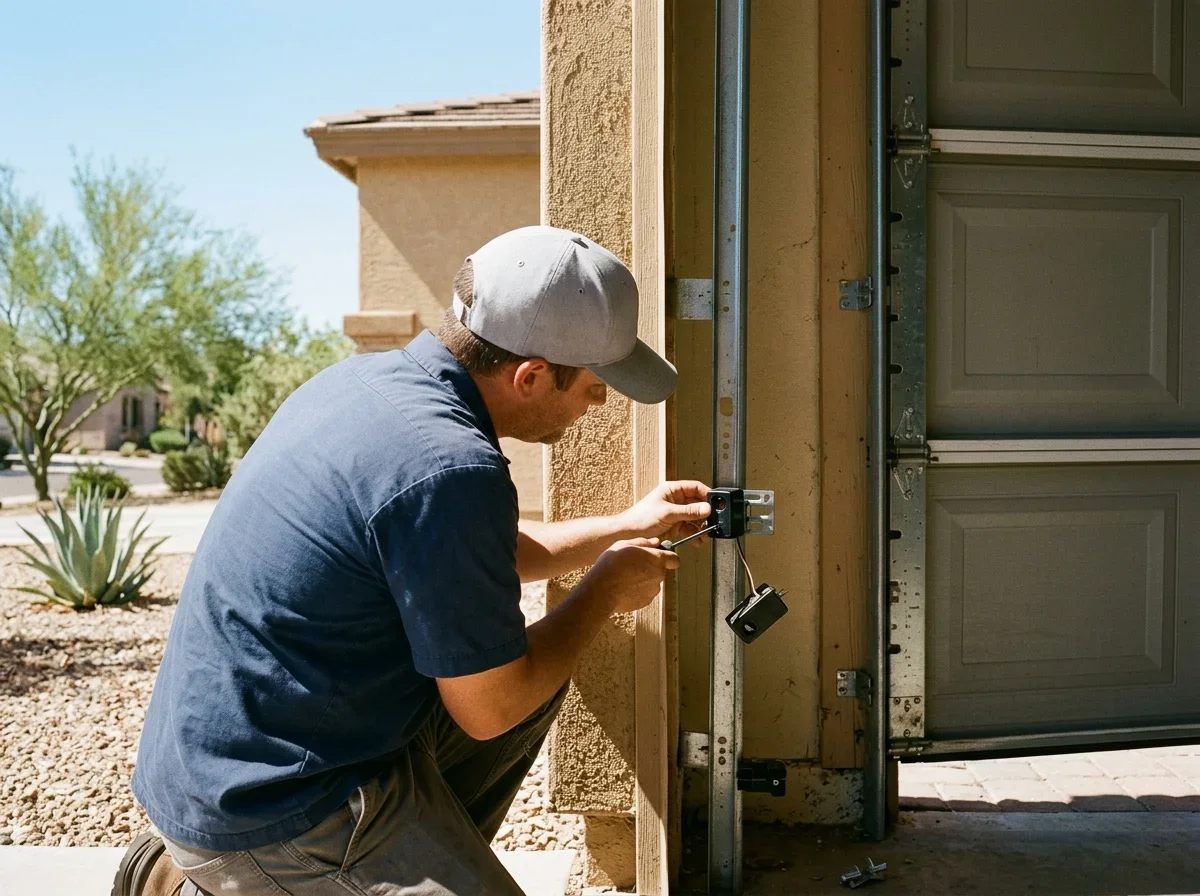
What the Garage Door Sensor Lights Mean
Your door has two safety eyes, one on each side of the opening. The sending unit shoots an invisible infrared beam across the doorway, and the receiving unit watches for it. If the beam is broken or missed, the opener refuses to close the door or reverses it.
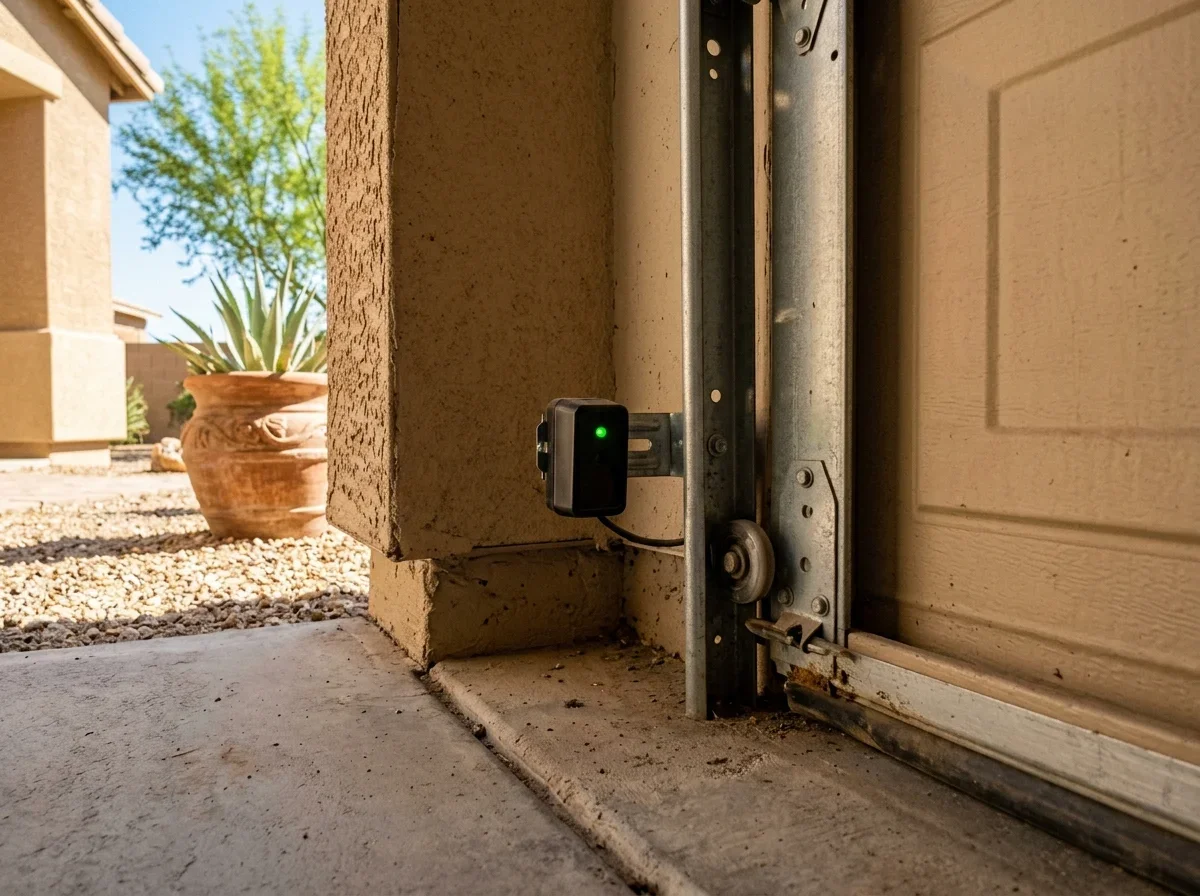
Chamberlain notes that the sending sensor typically has an amber LED and the receiving sensor a green one.[2] Other brands use different colors, so check the label or your opener manual.
| Light behavior | Likely meaning | What to try first |
|---|---|---|
| Steady light on both | Beam aligned and clear | Look elsewhere: opener settings or track |
| Dim or flickering light | Marginal alignment, dirty lens, or a loose wire connection | Wipe the lens, then gently re-aim that unit |
| Blinking light | Beam blocked or the unit is knocked out of line | Clear the beam path, then realign |
| Off on one unit | Power or wiring problem at that eye | Check that unit's wire and terminals |
| Off on both | Likely an opener or power issue | Check opener power, then see opener repair |
Should both lights be green?
Not necessarily. Chamberlain says both LEDs should be solid when alignment is correct.[1]
If your sensors glow yellow, amber, or red, the manual tells you what that brand means. Our page on the garage door sensor yellow light covers that wording in more detail.
Realigning Your Garage Door Sensors
Start with safety. Unplug the opener or disconnect its power before you loosen any bracket, and keep your hands clear of the door's path.
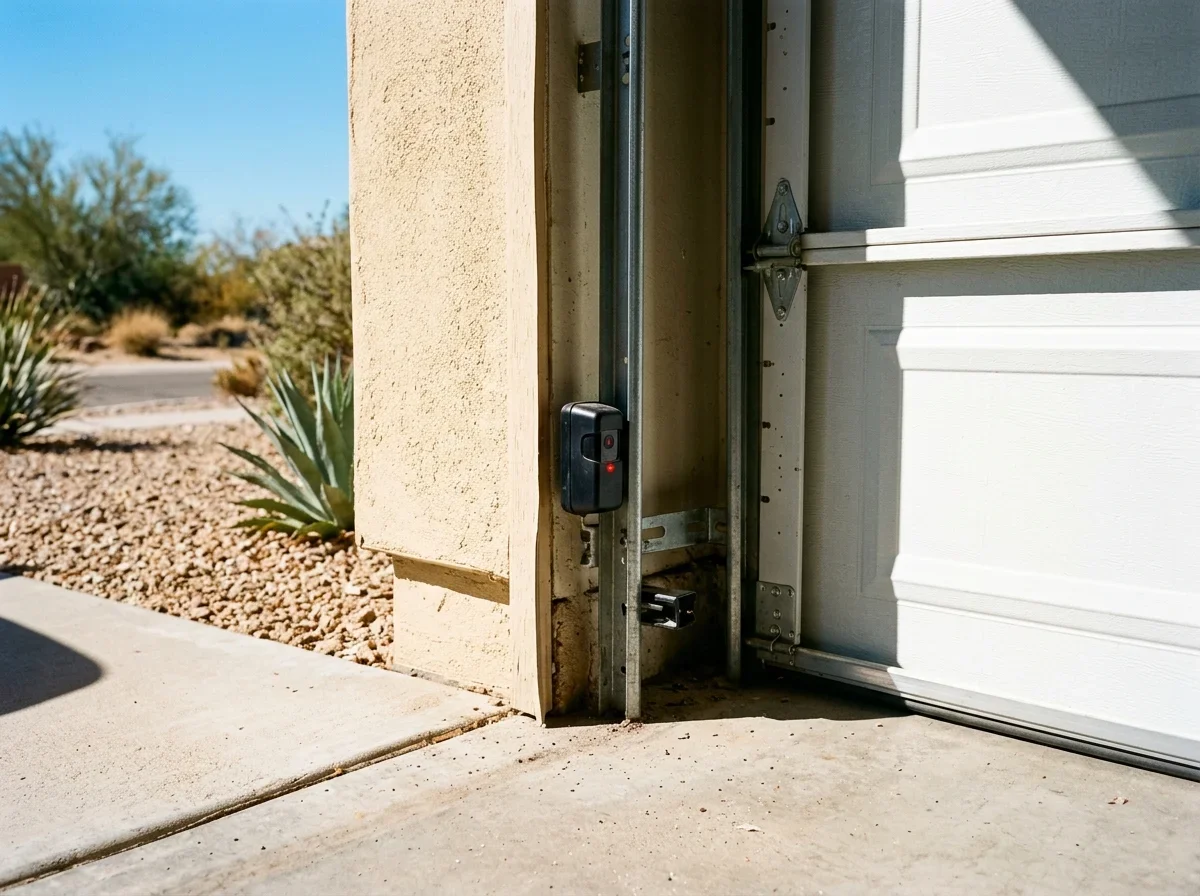
Both eyes should sit near the floor. Chamberlain says no higher than 6 inches above it, though other brands may differ, so confirm in your manual.[1]
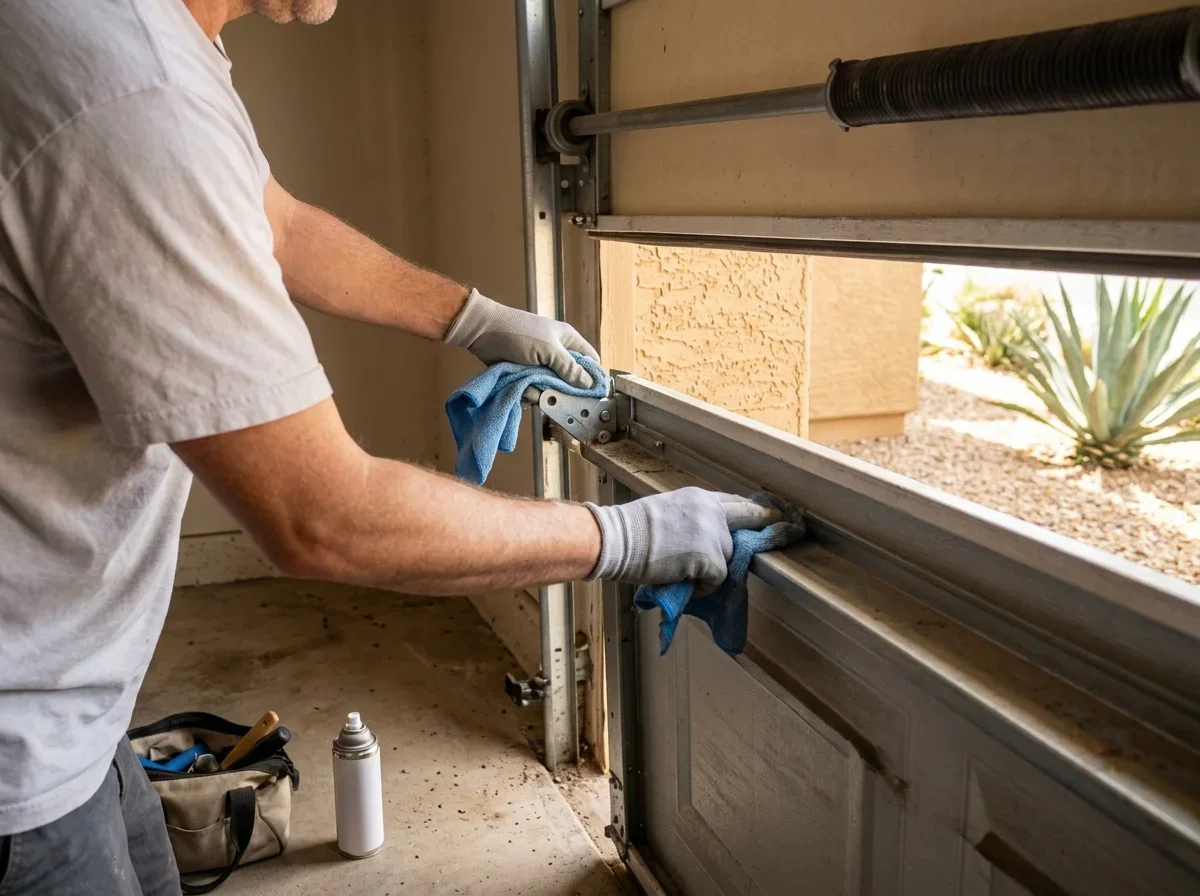
- Clean first. Wipe each lens with a soft, dry cloth. Clear cobwebs, stored items, and debris from the beam path.
- Stop if the light is steady. Cleaning alone fixes plenty of "electrical" problems.
- Pick the problem unit. Start with the eye whose light is off or flickering.
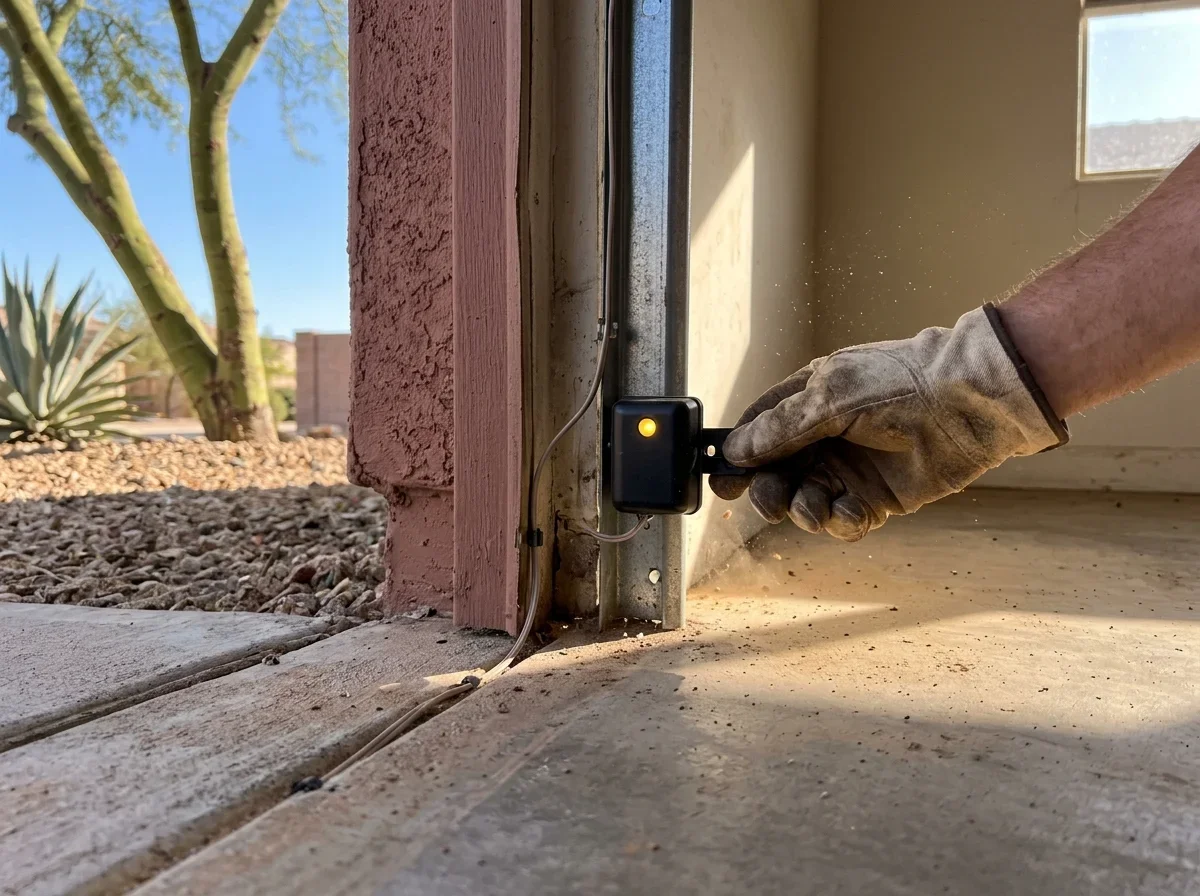
- Loosen the wing nut slightly. The bracket should still hold, but move with a nudge.
- Aim at the other eye. Make small left-right and up-down moves until the light glows steadily, then tighten.[1]
- Test a full close. A light that's steady with the door open can still drop out when vibration shifts the bracket.
Do they need to be perfect?
No. The beam only has to land on the lens, so a small miss can still work.
But "almost aligned" is where intermittent failures live, so aim for a steady light on both. If the bracket is cracked, bent, or won't hold its position, a garage door sensor repair visit is the better route.
Why a Garage Door Sensor Blinks or Shows Yellow
A bumped bracket is the most common cause, since low-mounted eyes get clipped by bikes, bins, and mops. A dirty lens, a cobweb, or an object in the beam comes next.
The parts of the system
How the safety sensors connect
Sending eye
Shoots the infrared beam
Receiving eye
Watches for the beam
Low-voltage wire
Runs from each eye to the opener
Opener
Refuses to close or reverses if the beam is lost
If the blinking happens only at certain times of day, sunlight hitting the receiving eye may be interfering. Chamberlain documents this issue and suggests swapping the sensor positions, reconnecting wires with matching colors.[4] Our page on whether sunlight can stop garage door sensors goes deeper.
Check the wire
A loose, pinched, or shorted wire can mimic misalignment. Chamberlain says a receiving-sensor LED that won't glow steadily can point to an open or shorted wire.[3]
Trace the thin low-voltage wire from each eye to the opener. Look for staples, cuts, chewed spots, corrosion, and loose terminals.
Checklist
What to look for along the wire
0 of 4 ticked
Tick them off as you go. Nothing is saved or sent.
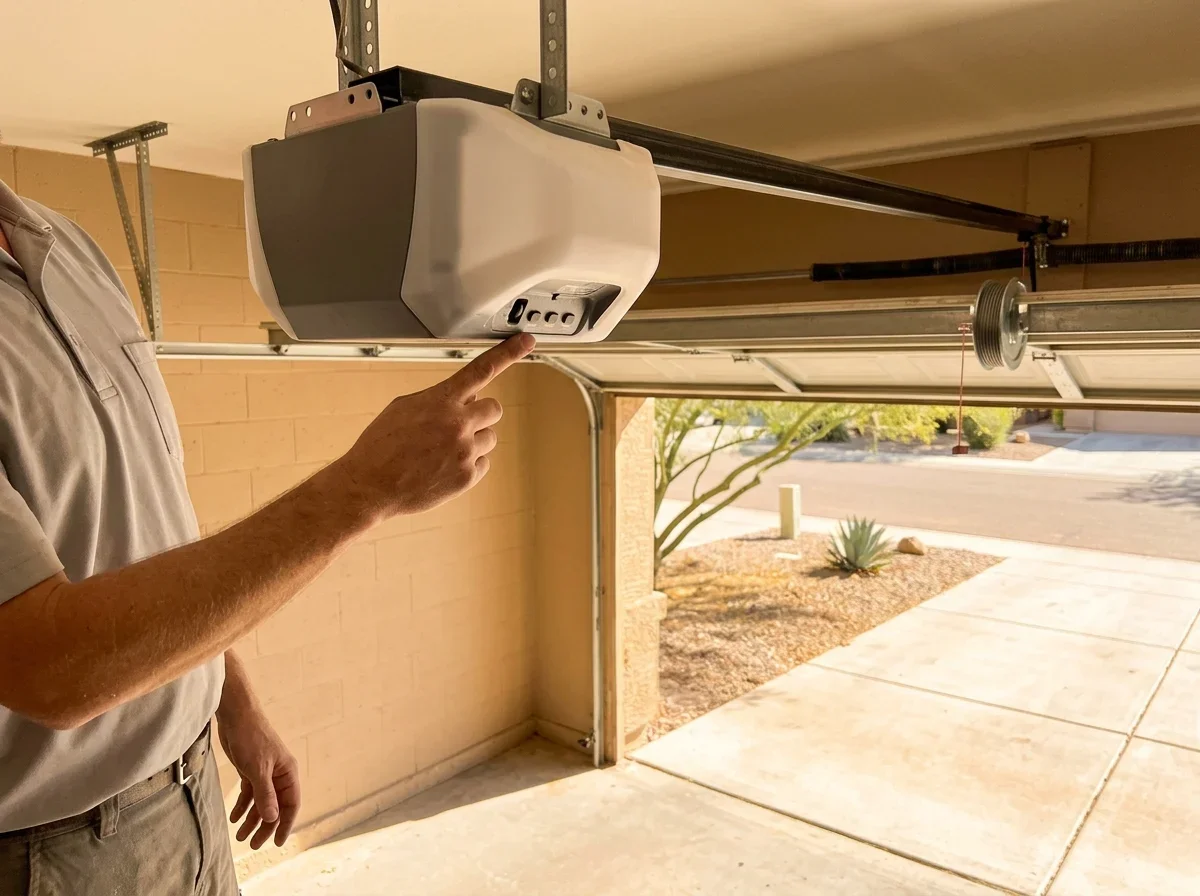
One light off means checking that unit's wire. Both off suggests an opener or power issue.[5] If that checks out, see garage door opener repair.
Sensors Aligned but the Door Still Won't Close
If both lights are steady and the door still reverses, the sensors may not be the problem. Travel or force settings, an obstruction in the track, or a faulty sensor are the next things to look at. Our guide on why your garage door won't close walks through that full checklist.
Some openers let you hold the wall button to close the door with the beam bypassed. Use that only as a temporary measure, and only if your manual allows it.
If the door closes only that way, Chamberlain's manual advises calling a trained door-systems technician.[5] Never disable the sensors permanently. They are part of the door's entrapment protection.
When DIY runs out, ask for an itemized written quote. Confirm the contractor's license at roc.az.gov/contractor-search, and ask for proof of workers' compensation and general liability separately.
Quick answers
Should both sensor lights be green?
Not necessarily. Colors vary by brand, but both LEDs should be solid when alignment is correct.
Do the sensors need to be perfectly aligned?
No. The beam only has to land on the lens, but aim for a steady light on both to avoid intermittent failures.
Can I disable the sensors permanently?
No. They are part of the door's entrapment protection.
Related questions
Questions
- Chamberlain Group. "Garage Door Safety Sensors | How to Align." https://support.chamberlaingroup.com/s/article/How-to-align-safety-reversing-sensors-1484145609323. Accessed October 17, 2026.
- Chamberlain Group. "Garage Door Safety Sensors | How to Tell Sending and Receiving Sensors Apart." https://support.chamberlaingroup.com/s/article/Difference-between-Sending-and-receiving-safety-sensors. Accessed October 17, 2026.
- Chamberlain Group. "Troubleshoot Garage Door Safety Sensors that Are Off or Flicker." https://support.chamberlaingroup.com/s/article/How-To-Troubleshoot-The-Safety-Reversing-Sensors-When-One-LED-Is-Off-Or-Flickering. Accessed October 17, 2026.
- Chamberlain Group. "Sun Light Interference with Safety Sensors." https://support.chamberlaingroup.com/s/article/GDO-Sun-light-interference-with-safety-sensors-1484145678313. Accessed October 17, 2026.
- Chamberlain Group. "Chamberlain C2102 Chain Drive Garage Door Opener Installation Manual." https://manuals.plus/m/07cbf11d9c578c487f2c82be13513981fe29d471ac711fd8fc6ab52004871b4d_optim.pdf. Accessed October 17, 2026.