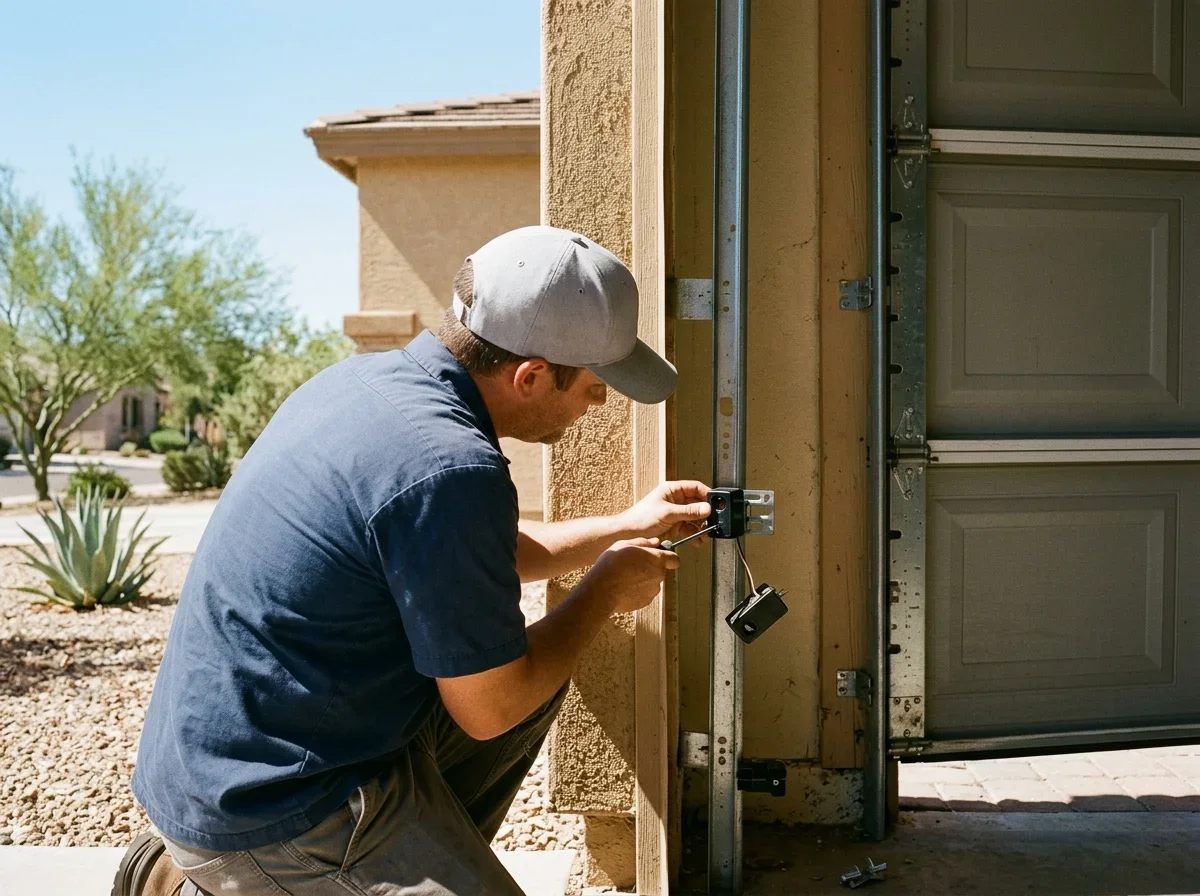
Garage Door Sensor Yellow Light Meaning
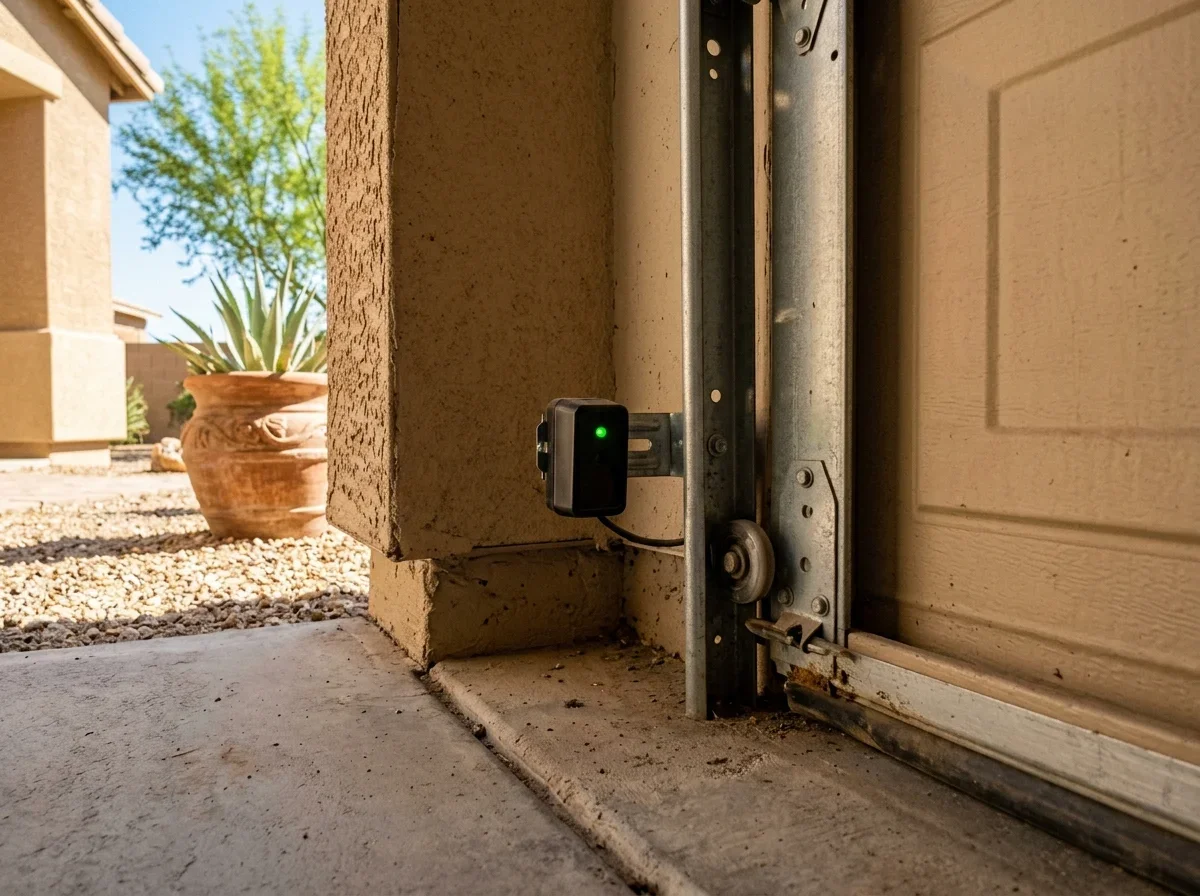
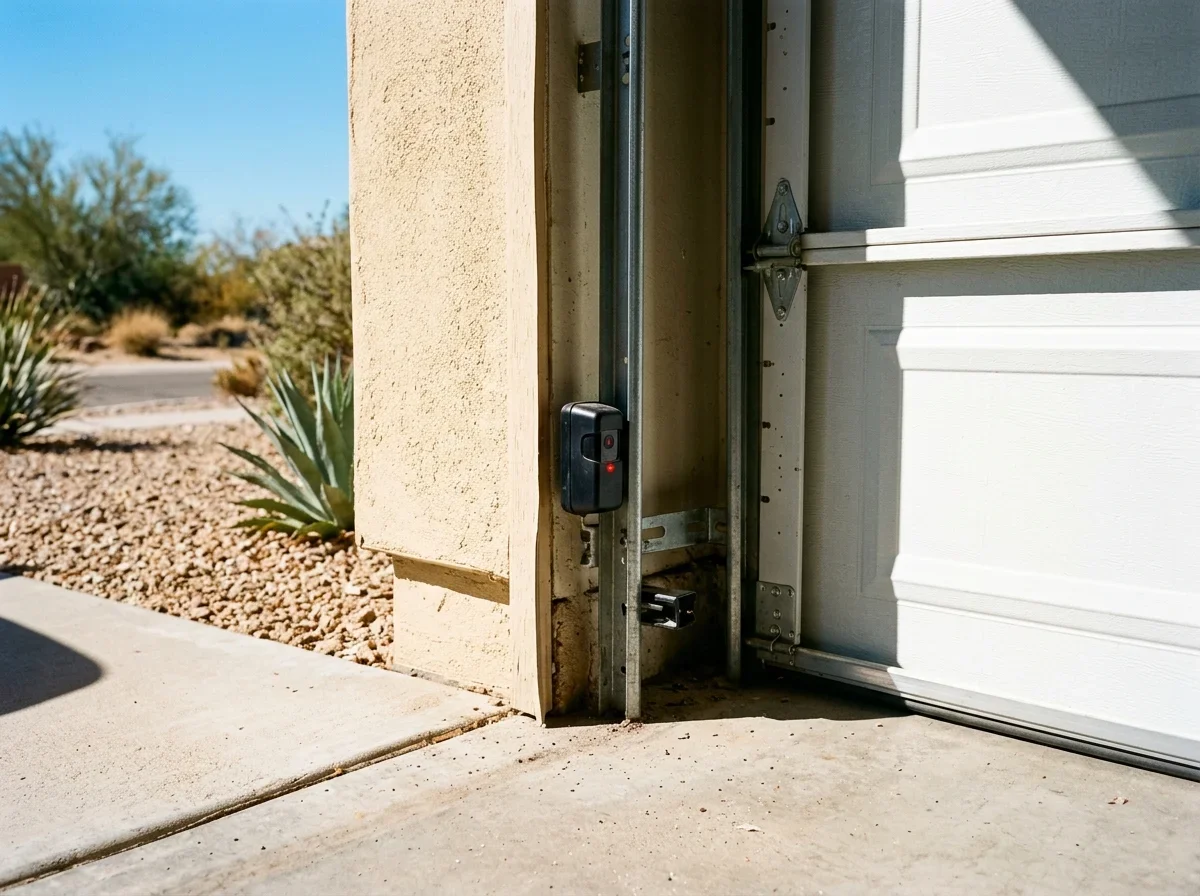
A yellow light is often normal. On many LiftMaster and Chamberlain openers, the sending sensor has an amber LED and the receiving sensor has a green one.[1][3] That means yellow on one eye and green on the other can be exactly right. Don't assume both must be green.
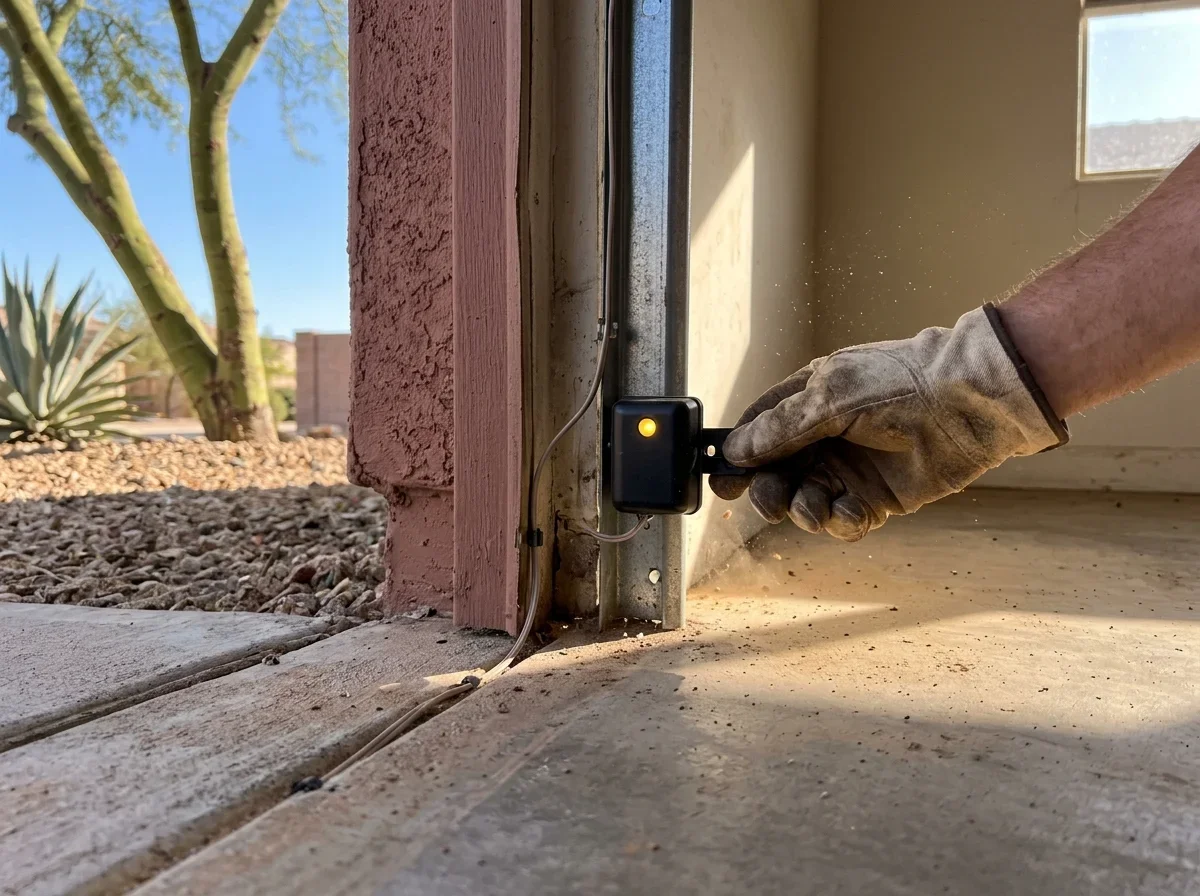
The amber eye transmits an invisible beam to the green eye.[2] When the sensors are aligned and wired correctly, both LEDs glow steadily.[1] Colors and meanings vary by brand and model, so your opener's manual is the final word.
The pattern matters more than the color.
Steady usually means powered and aligned. Blinking, dim or dark points to a fault.
Reading Steady, Dim and Off LEDs
Check both sensors, then watch what the door does. A light that looks suspicious on a door that closes normally is rarely a reason to replace anything.
- Steady: the eye has power and is likely aligned. If the door closes normally, leave it alone.
- Dim or flickering: suggests weak alignment, a dirty lens or a loose wire. This is more worrying than a steady yellow, because it often signals an unstable connection.
- Off: no power, a broken or shorted wire, or a failed sensor.
For the LiftMaster models in the manuals, a dark amber LED means checking opener power, wiring for shorts or breaks, and terminal connections. A dark green LED means checking wiring and alignment.[1] That split is a useful clue to which eye, and which side of the system, deserves attention first.
How serious is it
Level 1 of 3: Steady
Signs Eye has power and is likely aligned
What to do Leave it alone if the door closes normally
Level 2 of 3: Dim or flickering
Signs Weak alignment, dirty lens or loose wire
What to do Clean the lens and check alignment and wiring
Level 3 of 3: Off
Signs No power, broken or shorted wire, or failed sensor
What to do Check opener power and wiring, then book repair
These sensors aren't optional extras.
Federal rules require an entrapment-protection device that reverses a closing door when the beam is interrupted.[4][5] Never bypass or disable them to get the door closing again.
Fixing Alignment, Wiring and Power Faults
Start with the simplest checks and work toward the harder ones. Most fixes take a few minutes and no tools beyond a cloth and a screwdriver.
Alignment
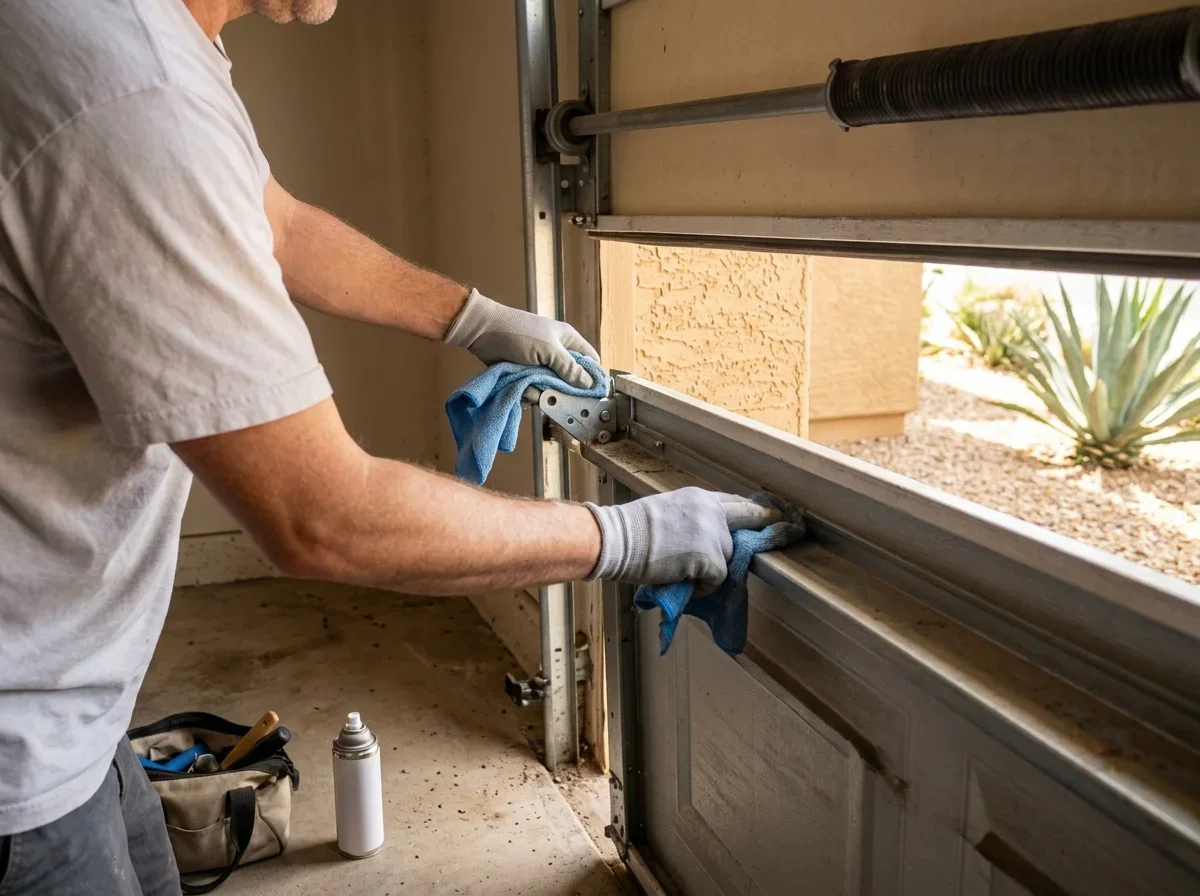
Wipe both lenses and clear anything blocking the beam. Make sure the eyes face each other directly and sit at the same height, since a bumped bracket is a common culprit.
To adjust, loosen the wing nut, reposition the sensor, and tighten it again.[2] The receiving LED should settle into a steady glow.
Checklist
Sensor troubleshooting steps
0 of 5 ticked
Tick them off as you go. Nothing is saved or sent.
Wiring
Trace the thin low-voltage wire from each sensor to the opener. Look for cuts, loose terminal screws, or staples pinching the cable.
If the light changes when you gently move the wire, you've likely found the weak spot. In Phoenix, desert UV and summer attic heat can wear on exposed wiring over time, so older installations deserve a closer look.
Power
If one LED is dark, the cause may be the wiring or the opener itself. Confirm the opener has power and reset any tripped GFCI outlet.
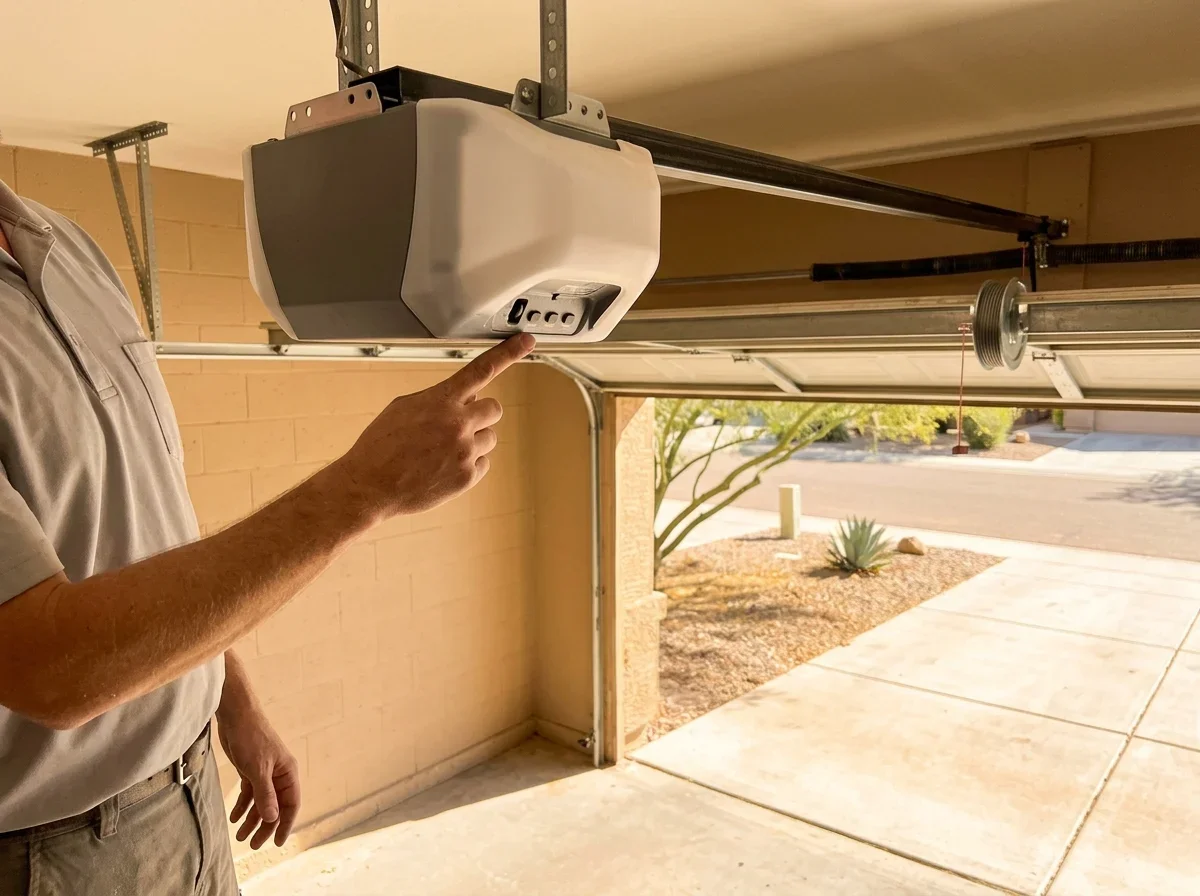
Then inspect the terminal connections at the motor head.[1]
If the LED stays off after these checks, stop troubleshooting and book garage door sensor repair. A technician can test the wire run and the opener terminals, and replace a failed eye if needed.
For a door that still won't close with lights on, see garage door sensors blinking or misaligned.
Quick answers
Is a yellow garage door sensor light bad?
Not necessarily. On many LiftMaster and Chamberlain openers the sending sensor has an amber LED and the receiving sensor has a green one.
What does a dim or flickering sensor light mean?
It suggests weak alignment, a dirty lens or a loose wire, and often signals an unstable connection.
Can I bypass the sensors to close the door?
No. Federal rules require an entrapment-protection device that reverses a closing door, so never bypass or disable them.
Questions
- LiftMaster. "Wi-Fi Garage Door Opener Model 8365W Installation Manual." https://partner.liftmaster.com/medias/Model-8365W-267-114a5083.pdf. Accessed October 17, 2026.
- LiftMaster. "8500W Wall Mount Wi-Fi Garage Door Opener Installation Manual." https://partner.liftmaster.com/medias/8500W-114a4961.pdf. Accessed October 17, 2026.
- Chamberlain. "Safety Sensor Kit 041A5034." https://www.chamberlain.com/safety-sensor-kit/p/041A5034. Accessed October 17, 2026.
- U.S. Consumer Product Safety Commission. "Safety Alerts." https://www.cpsc.gov/Safety-Education/Safety-Alerts. Accessed October 17, 2026.
- U.S. Consumer Product Safety Commission. "Doors (Garage) 3: Final Rules for Automatic Residential Garage Door Operators." https://www.cpsc.gov/s3fs-public/Briefing_Package-Final_Rules_for_Automatic_Residential_Garage_Door_Operators_Revised_Entrapment_Protection_Requirements;_Certification_Requirements;_and_Recordkeeping_Requirements-11.24.1992.pdf. Accessed October 17, 2026.